
Noota Review 2025: Enterprise Meeting Intelligence Worth the Premium?
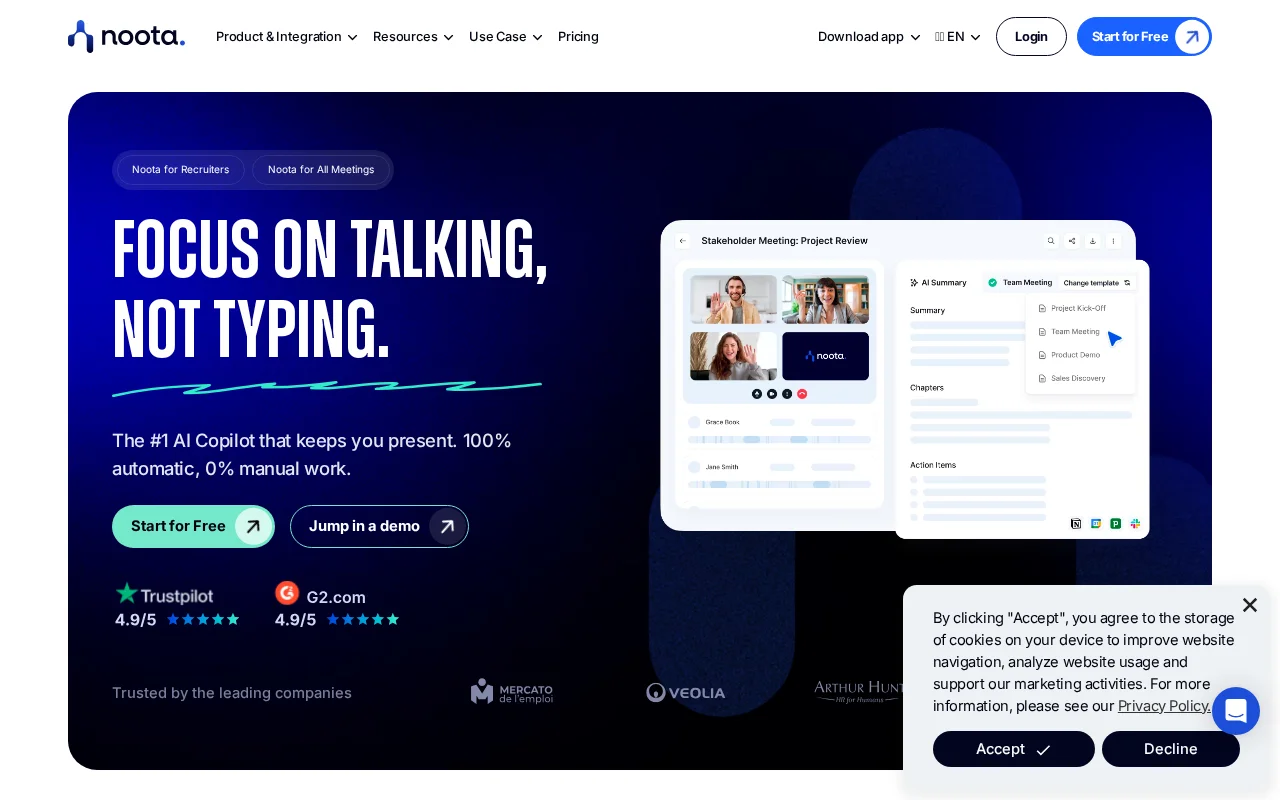
Noota positions itself as more than a meeting transcription tool. It promises truly comprehensive meeting intelligence - the ability to search across all past meetings, extract structured data with custom templates, and maintain enterprise-grade compliance. After extensively testing it across various meeting scenarios, I found a powerful enterprise tool that delivers on most promises but comes at a premium price that requires careful consideration before committing.
Verdict Table
| Rating | 7.5/10 |
| Price | $29-49/user/month |
| Best for | Teams needing cross-meeting intelligence |
| Skip if | You want simple, affordable transcription |
Pros and Cons
Pros: + Cross-meeting search with "Ask Noota" is genuinely useful + Extensive customizable templates for different meeting types + Strong compliance posture (GDPR, SOC 2, ISO 27001) + Team workspaces with proper permission controls + European data hosting option for EU organizations
Cons:
- Premium pricing compared to competitors
- Learning curve for advanced features
- Limited language support (6+ vs competitors' 100+)
- Meeting bot can sometimes feel intrusive to participants
- Report generation can be slow (up to 15 minutes)
The Short Version: Noota is a serious meeting intelligence platform for organizations that need more than basic transcription. The cross-meeting search and custom templates justify the premium for teams with heavy meeting loads. Solo users and small teams will find better value elsewhere.
The Good Explained
Cross-Meeting Intelligence
The primary standout feature is "Ask Noota" - the ability to query across all your past meetings. Questions like "What did we discuss about the Q4 budget?" or "Show me all action items assigned to marketing" return relevant results from any meeting, not just the most recent one. This effectively creates an organizational memory that basic transcription tools lack entirely.
For teams conducting many recurring meetings, this is transformative. Sales managers can track how pricing discussions evolve across calls. Product teams can find every mention of a specific feature request. Recruiters can easily compare how candidates answered the same questions.
Customizable Templates
Noota offers 8+ built-in templates that you can fully customize. A dedicated sales call template extracts objections, next steps, and decision makers. A recruitment template scores candidates against predefined criteria. A project standup identifies blockers and commitments.
This kind of structured extraction goes well beyond generic summaries. The output is structured data you can actually use - exportable to CSV for analysis, pushed to CRMs, or easily aggregated across meetings. Competitors typically offer only basic template customization; Noota provides granular control over exactly what gets extracted and how the output is structured.
The template system also connects well with integrations. Extracted data can automatically flow to Salesforce fields, create Notion pages with specific properties, or trigger Slack notifications based on content. This workflow automation transforms meetings from being isolated events into inputs for business processes.
Building effective templates takes time and iteration. The initial configuration might take an hour for a complex use case, but once dialed in, the templates work reliably and consistently across all matching meetings without further intervention.
Enterprise Compliance
For organizations operating with strict data requirements, Noota checks important boxes. The platform is fully GDPR compliant with European data hosting, SOC 2 Type II certified, and ISO 27001 compliant. Data encryption covers both transit and rest, and recordings can be configured to auto-delete after specified retention periods. Access controls let administrators manage exactly who sees what.
This strong compliance posture matters significantly for healthcare, financial services, and legal teams where meeting content is sensitive. Noota takes security seriously in ways that matter to enterprise buyers, not just as marketing checkboxes but as core platform architecture decisions that enable sensitive use cases.
The Bad Explained
Premium Pricing
Noota pricing starts at $29/user/month for Pro and $49/user/month for Business. That is significantly and notably more than Circleback ($25/month), Tactiq ($12/month), or free options like Fathom. The advanced features do justify the price for teams that will use them, but most individuals and small teams will find the cost hard to justify.
The free tier does exist but is quite severely limited - not enough to properly evaluate the platform. You essentially commit to paid plans to understand what Noota can do, which is a barrier for cautious buyers who prefer extensive trials before commitment.
The team pricing escalates quickly. A 10-person team on Business pays $490/month - nearly $6,000 annually. That investment needs clear ROI to justify, which clearly exists for sales teams closing deals or recruiters filling positions faster, but feels quite steep for general productivity improvement.
Learning Curve
Noota's power comes with complexity. New users report spending 20-30 minutes understanding the interface before feeling productive. The template customization, while powerful, requires configuration time. The analytics dashboard offers many options that can overwhelm users who just want simple notes.
For organizations with dedicated operations staff to configure tools, this is fine. For busy professionals who want immediate results, the setup investment is significant compared to simpler alternatives that work out of the box.
The mobile app is functional but not as polished as the desktop experience. In-person meeting recording works, but the feature set is reduced compared to web-based meetings. Teams relying heavily on mobile workflows may find this frustrating.
Limited Language Support
Noota supports 6+ languages versus 100+ for competitors like Circleback. For multilingual teams or organizations operating across regions, this limitation matters. English, French, German, Spanish, Italian, and Dutch are covered, but teams regularly working in other languages will definitely need to look elsewhere.
Pricing Reality
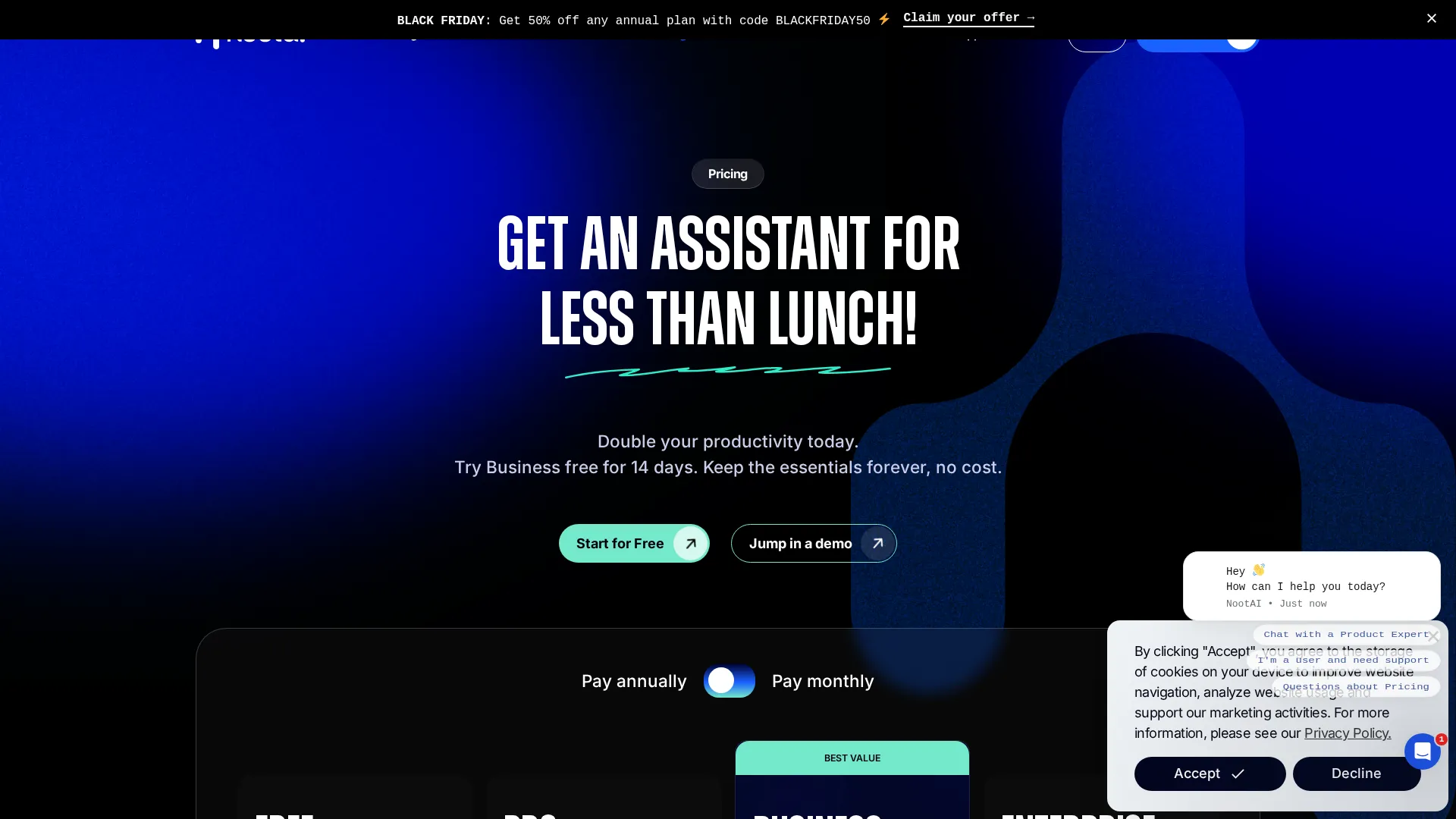 Current Noota pricing tiers
| Plan | Price | Key Features |
|---|---|---|
| Free | $0 | Limited transcriptions, basic features |
| Pro | $29/user/mo | Unlimited meetings, custom templates |
| Business | $49/user/mo | Team workspaces, advanced analytics |
| Enterprise | Custom | SSO, SCIM, dedicated support |
Prices as of November 2025. Annual billing offers 15-20% discount.
The pricing makes sense for teams of 10+ who will use cross-meeting search and structured templates actively. For a 20-person sales team, $980/month (Business plan, annual) delivers measurable value if it improves deal outcomes and reduces meeting admin time.
For solo users or small teams under 5, the math rarely works. You are paying for enterprise features that benefit organizations at scale. Simpler tools at $12-25/month deliver adequate transcription and summaries without the premium.
Noota does offer discounts for larger teams and annual commitments. Organizations buying 20+ seats or committing to annual billing can negotiate meaningful reductions from published rates. If you are seriously considering Noota for a team deployment, request custom pricing rather than accepting the standard rates.
The free trial is limited but worth using to understand the interface. You get enough capability to test core features, but do not expect to fully evaluate cross-meeting search or team collaboration without upgrading to paid plans. Plan for a paid evaluation period if you want to truly test the platform.
Bottom Line
Noota is not trying to be the cheapest or simplest meeting tool. It is built for organizations that treat meeting intelligence as a strategic capability, not just an administrative convenience.
Choose Noota if:
- Your team conducts 20+ meetings weekly
- You need to search and analyze across past meetings
- Compliance and security requirements are non-negotiable
- Custom data extraction from meetings matters
- You have budget for premium tooling
Skip Noota if:
- You want basic transcription at low cost
- Your team is under 5 people
- Simplicity matters more than depth
- Budget is constrained
- You need broad language support
For the right organization and use case, Noota delivers genuine value that cheaper tools cannot match. For everyone else, simpler alternatives provide 80% of the benefit at 30% of the cost. The fundamental question is whether your organization needs the 20% that Noota uniquely provides - and whether you have the scale to justify the investment.
Noota truly works best when treated as infrastructure rather than a simple tool. Organizations that integrate it into their sales process, recruiting pipeline, or project management workflow will extract maximum value. Those looking for casual meeting notes should look elsewhere.
Frequently Asked Questions
Is Noota free?
Noota offers a limited free tier but restricts transcription volume significantly. Most users will need the Pro plan ($29/month) for regular use.
Does Noota use a meeting bot?
Yes. Noota joins meetings as a visible bot participant. This can sometimes feel intrusive compared to botless alternatives like Bluedot or Tactiq.
How accurate is Noota transcription?
Transcription accuracy is strong for supported languages, competitive with leading alternatives. The 6+ language limitation is the main constraint, not accuracy within those languages.
Can I export Noota data?
Yes. Noota supports export to PDF, CSV, and plain text. API access is available for custom integrations. Data can also push to CRMs and productivity tools automatically.
Is Noota GDPR compliant?
Yes. Noota offers European data hosting, is GDPR compliant, and holds SOC 2 Type II and ISO 27001 certifications. The platform takes compliance seriously for enterprise customers.
Related
See how it compares: Noota vs Circleback
Featured in: Best AI Meeting Assistants 2025
Sources
Disclosure: Topic Wise may earn commission from affiliate links on this page.

Written by
John Marti
Testing AI tools so you don't have to. 7+ years covering productivity software, automation, and emerging tech. Previously at TechCrunch and The Verge.
