
Circleback vs Bluedot 2025: Which Solves Your Meeting Problems?
Both Circleback and Bluedot promise to eliminate meeting busywork. Both record calls, generate transcripts, and produce AI summaries. But they solve different problems in different ways. This comparison matches common meeting pain points to the tool that handles them better.
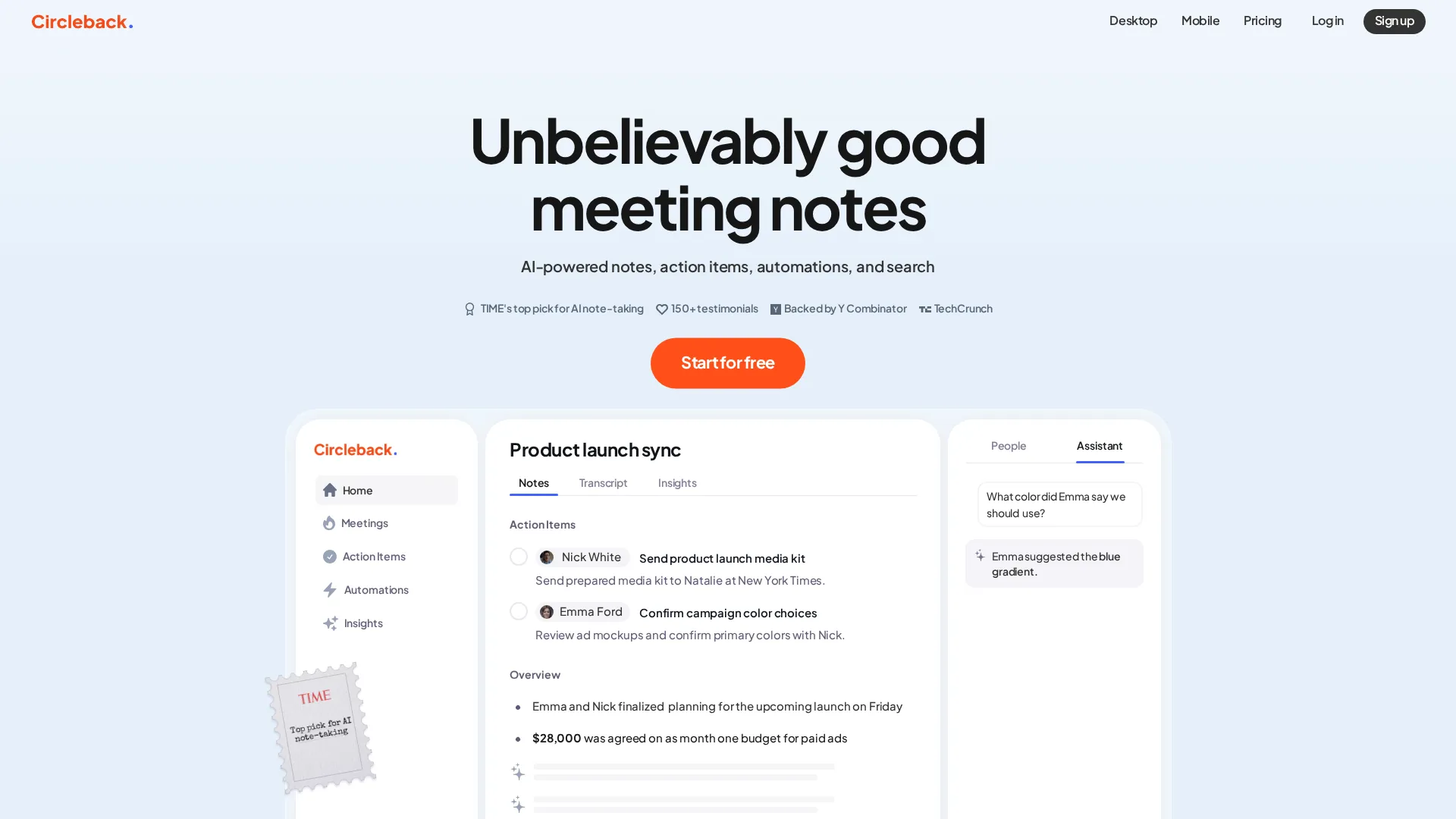 Circleback homepage
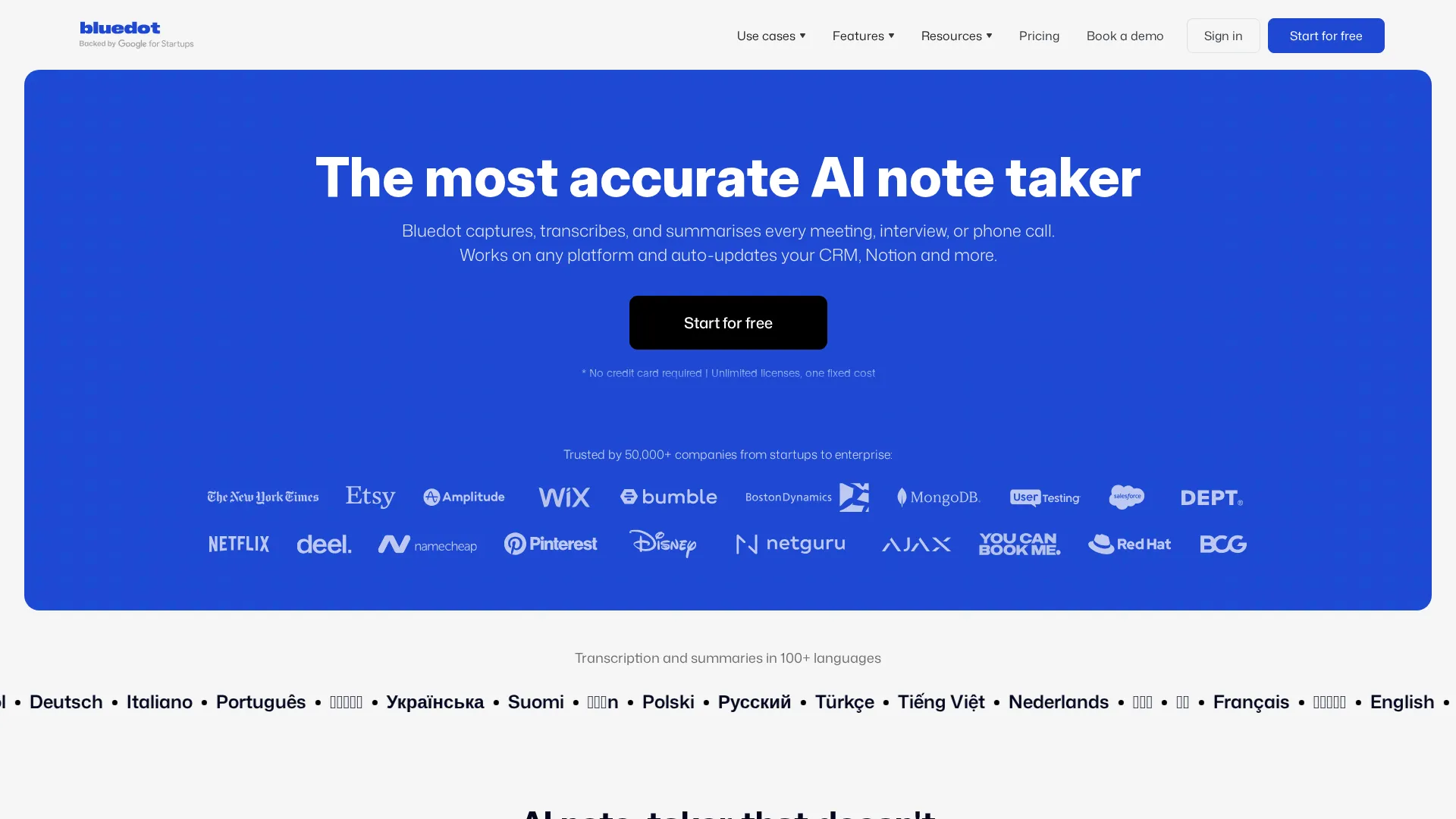 Bluedot homepage
Quick Answer Table
| Your Problem | Better Solution |
|---|---|
| Meeting bots annoy participants | Bluedot |
| Need CRM auto-sync | Circleback |
| Want simple free trial | Bluedot |
| Complex workflow automation | Circleback |
| European data compliance | Bluedot |
| Team-wide meeting insights | Circleback |
Problem 1: "Meeting Bots Make My Calls Awkward"
The pain: Clients or colleagues react negatively when an AI bot joins the meeting. Some refuse to continue with recording active. The visible bot changes the conversation dynamic.
Circleback solution:
Circleback offers both bot and botless modes. The botless approach uses a desktop app that records system audio locally without sending a participant into the meeting room. However, this feature requires the desktop app installation and works best on Mac. The bot mode is still the default for most users because it requires less setup.
The bot approach means participants see "Circleback" join the meeting. Some organizations have learned to accept this, but it can still create friction in sensitive conversations like sales discovery calls or executive meetings.
Bluedot solution:
Bluedot was built around botless recording from day one. The Chrome extension captures Google Meet sessions invisibly - no bot appears in the participant list. For Zoom and Teams, the desktop app records locally without joining as a participant.
This design philosophy means Bluedot users never explain a bot to confused participants. The recording happens silently in the background, which matters enormously for client-facing work where professionalism is paramount.
Better solution: Bluedot
If bot avoidance is your primary concern, Bluedot handles it more elegantly. The botless approach is the default, not an alternative mode requiring extra configuration.
Problem 2: "I Waste Hours Copying Notes to My CRM"
The pain: After every sales call, you manually copy meeting summaries into HubSpot, Salesforce, or another CRM. This takes 10-15 minutes per call and often gets skipped when you are busy, leaving your CRM incomplete.
Circleback solution:
Circleback excels here. Native integrations with HubSpot and Salesforce push meeting summaries directly to contact records automatically. The automation builder lets you create rules: "After every meeting with an external participant tagged as 'prospect,' create a HubSpot note and update the deal stage."
The workflow automation goes beyond basic sync. You can trigger different actions based on meeting type, duration, participants, or keywords mentioned. For sales teams with structured processes, this eliminates manual data entry almost entirely.
Bluedot solution:
Bluedot offers CRM integration but requires the Business plan ($32/user/month) for full HubSpot and Salesforce connectivity. The integration works but lacks Circleback's sophisticated automation rules. Notes sync to CRM, but you cannot build conditional workflows or trigger different actions based on meeting content.
For teams on Basic or Pro plans, CRM sync is limited or unavailable entirely. This makes Bluedot less suitable for sales teams where CRM discipline is critical.
Better solution: Circleback
Circleback's automation capabilities are significantly more advanced. If CRM sync is the problem you are solving, Circleback is the clear choice even at equivalent price points.
Problem 3: "Transcription Accuracy Is Inconsistent"
The pain: AI transcripts miss words, confuse speakers, or struggle with accents. You spend time correcting errors rather than using the notes productively.
Circleback solution:
Circleback uses industry-standard speech recognition and performs well across most English accents. Speaker identification works reasonably when participants are in the calendar invite. The platform supports 100+ languages, though accuracy varies by language.
Transcription happens after the meeting ends, typically within 5 minutes. There is no real-time transcript view during the call. Occasional delays can stretch to 20+ minutes with no clear pattern.
Bluedot solution:
Bluedot claims "best-in-class" transcription accuracy, and testing confirms it performs at least as well as competitors. The platform supports 100+ languages with speaker identification. Like Circleback, processing happens post-meeting rather than in real-time.
One advantage: Bluedot's Chrome extension for Google Meet leverages the platform's built-in captions, which can improve accuracy in some scenarios. The desktop app handles other platforms with comparable quality.
Better solution: Tie
Both tools deliver similar transcription quality. Neither has a significant accuracy advantage in real-world testing across standard English meetings. Choose based on other factors.
Quick Take: Transcription accuracy is largely comparable between modern AI meeting tools. Audio quality and speaker clarity matter more than which platform you choose.
Problem 4: "I Need to Share Specific Meeting Moments"
The pain: You want to share a 30-second clip where a customer described their pain point, not an entire hour-long recording. Sending full recordings wastes everyone's time and buries the important moment.
Circleback solution:
Circleback supports meeting highlights and clip creation. You can mark moments during playback and share specific segments. The clips include transcript snippets for context. Sharing happens via link - recipients do not need Circleback accounts to view.
The feature works well for sales teams sharing customer quotes or product teams highlighting user feedback. The workflow is straightforward once you find the moment you want to share.
Bluedot solution:
Bluedot's Pro plan includes highlight and clip functionality with annotation capabilities. You can mark sections, add time-based comments, and share specific segments. The experience is polished and purpose-built for collaborative review.
The annotation feature adds extra utility for teams reviewing calls together. A sales manager can mark coaching moments; a PM can flag feature requests with notes explaining context.
Better solution: Bluedot (slight edge)
Both handle clips adequately, but Bluedot's annotation capabilities make collaborative review slightly better. For individual clip sharing, they are equivalent.
Problem 5: "I Worry About Data Privacy and Compliance"
The pain: Your organization has strict data handling requirements. Recording meeting audio and processing it through AI raises compliance questions about storage, access, and data residency.
Circleback solution:
Circleback is SOC 2 compliant and encrypts data at rest and in transit. Recordings can be configured to auto-delete after processing if privacy is a concern. The platform serves US-based customers well but does not emphasize European data residency specifically.
For most US organizations without unusual compliance requirements, Circleback's security posture is adequate. Healthcare and financial services teams should verify specific compliance needs match Circleback's certifications.
Bluedot solution:
Bluedot emphasizes GDPR compliance with European data hosting available. The platform is SOC 2 certified and designed with European privacy standards in mind. For organizations subject to EU regulations or preferring EU data storage, Bluedot offers clearer compliance positioning.
The Chrome extension architecture means some processing happens locally rather than server-side, which can simplify certain compliance conversations. Less data leaves your device compared to full-bot approaches.
Better solution: Bluedot
For European organizations or those prioritizing GDPR compliance, Bluedot's positioning is stronger. For US organizations without specific EU requirements, both are adequate.
Cost of Each Solution
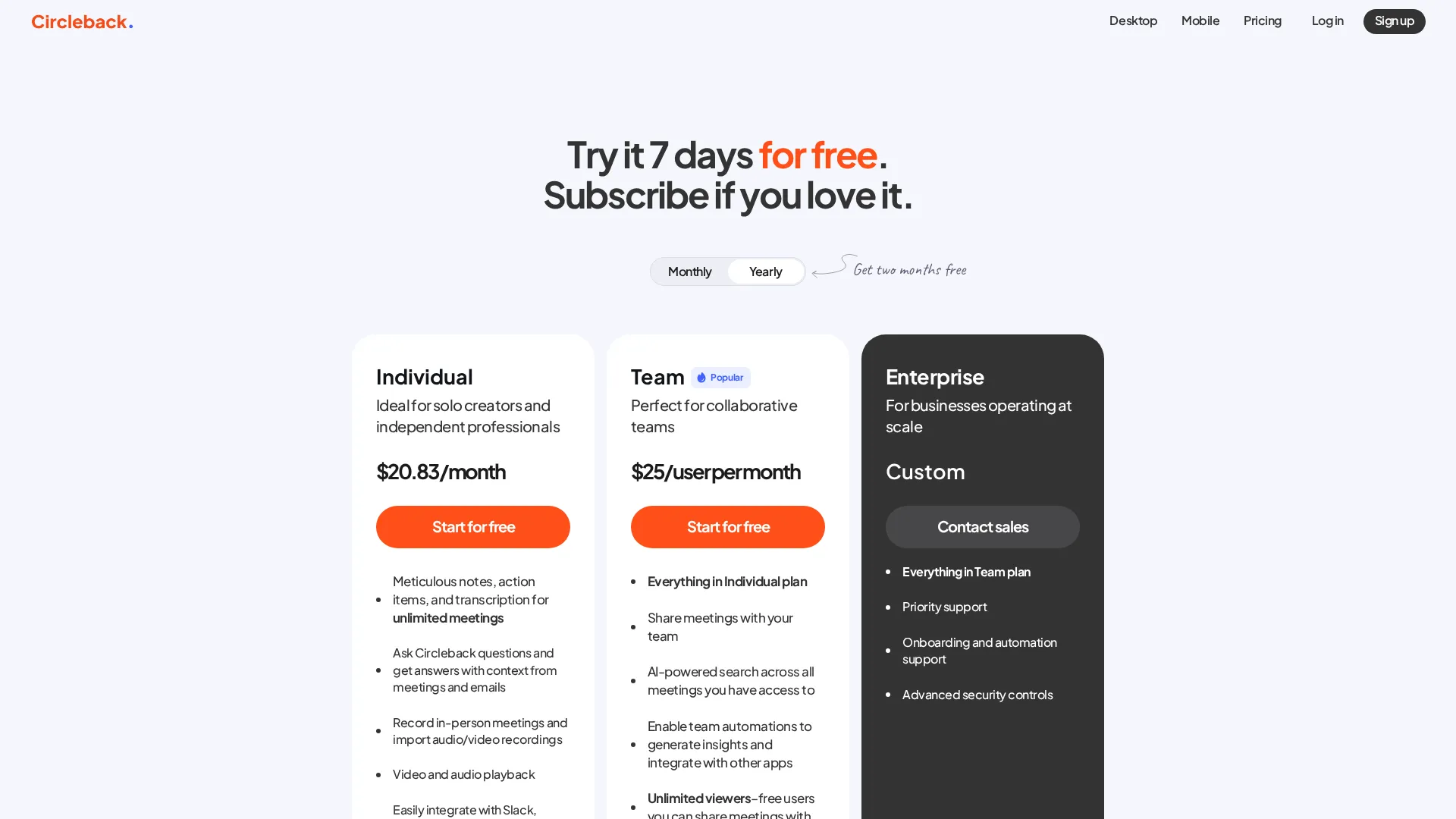 Circleback pricing
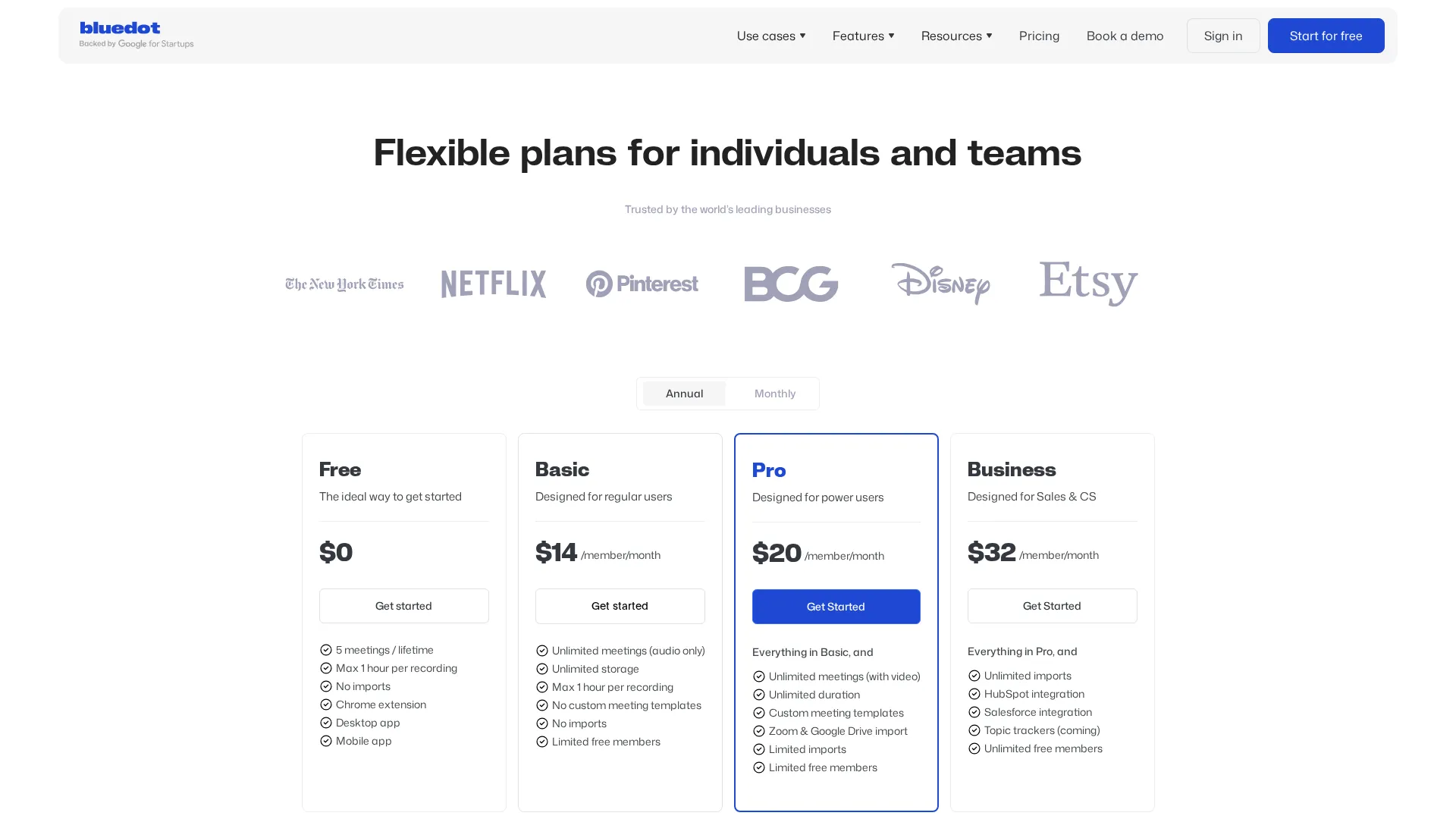 Bluedot pricing
| Plan | Circleback | Bluedot |
|---|---|---|
| Free | 7-day trial | 5 meetings lifetime |
| Individual | $25/month | $14/month (audio) |
| Pro | - | $20/month (video + templates) |
| Team | $30/user/month | $32/user/month |
Circleback pricing is simpler: individual or team. Bluedot offers more tiers with different feature sets at each level.
For individuals, Bluedot's Basic plan at $14/month undercuts Circleback significantly but limits you to audio-only recording. The Pro plan at $20/month matches Circleback's features more closely while remaining $5/month cheaper.
For teams, pricing is nearly equivalent at $30-32/user/month. Choose based on features rather than cost at this tier.
Neither offers a generous free tier. Circleback's 7-day trial and Bluedot's 5-meeting lifetime cap both push users toward paid plans quickly.
What About Other Problems?
"I need real-time transcription during meetings"
Neither Circleback nor Bluedot offers live transcription. Consider Tactiq or Otter if this is critical.
"I need to search across all past meetings"
Both offer search within their platforms, but neither matches Noota's cross-meeting intelligence. For advanced organizational search, look elsewhere.
"I need mobile recording for in-person meetings"
Both offer mobile apps for in-person recording. Functionality is comparable - audio capture with post-meeting processing.
Summary Table and Verdict
| Problem | Winner |
|---|---|
| Bot-free recording | Bluedot |
| CRM automation | Circleback |
| Transcription accuracy | Tie |
| Clip sharing | Bluedot (slight) |
| Privacy/GDPR | Bluedot |
| Team workflows | Circleback |
Overall verdict: Bluedot wins for individuals and privacy-conscious teams who want clean, bot-free recording at a lower price. Circleback wins for sales teams and organizations that need sophisticated workflow automation and deep CRM integration. The choice depends entirely on which problems matter most to your specific situation.
Frequently Asked Questions
Can I try both before deciding?
Circleback offers a 7-day trial. Bluedot offers 5 free meetings with no time limit. Neither is generous enough for thorough evaluation.
Which is better for Google Meet?
Bluedot's Chrome extension provides a slightly smoother Google Meet experience. Circleback works fine but requires either bot mode or desktop app.
Do both work with Salesforce?
Yes, but Circleback's integration is more sophisticated with automation capabilities. Bluedot requires the Business plan for Salesforce access.
Which is easier to set up?
Bluedot is faster to start - install the extension and go. Circleback requires more configuration but rewards the setup investment with more powerful automation.
Related
Read full reviews: Circleback Review | Bluedot Review
See also: Best AI Meeting Assistants 2025
Sources
Disclosure: Topic Wise may earn commission from affiliate links on this page.

Written by
John Marti
Testing AI tools so you don't have to. 7+ years covering productivity software, automation, and emerging tech. Previously at TechCrunch and The Verge.
