
Noota vs Circleback 2025: Which AI Meeting Tool Wins for Your Team?
Noota and Circleback both promise to eliminate the post-meeting scramble with AI-powered notes, summaries, and automations. But they approach the problem differently. Noota offers comprehensive meeting intelligence with deep analytics and customizable reports. Circleback focuses on structured notes and workflow automation. Which one fits your specific situation and workflow needs?
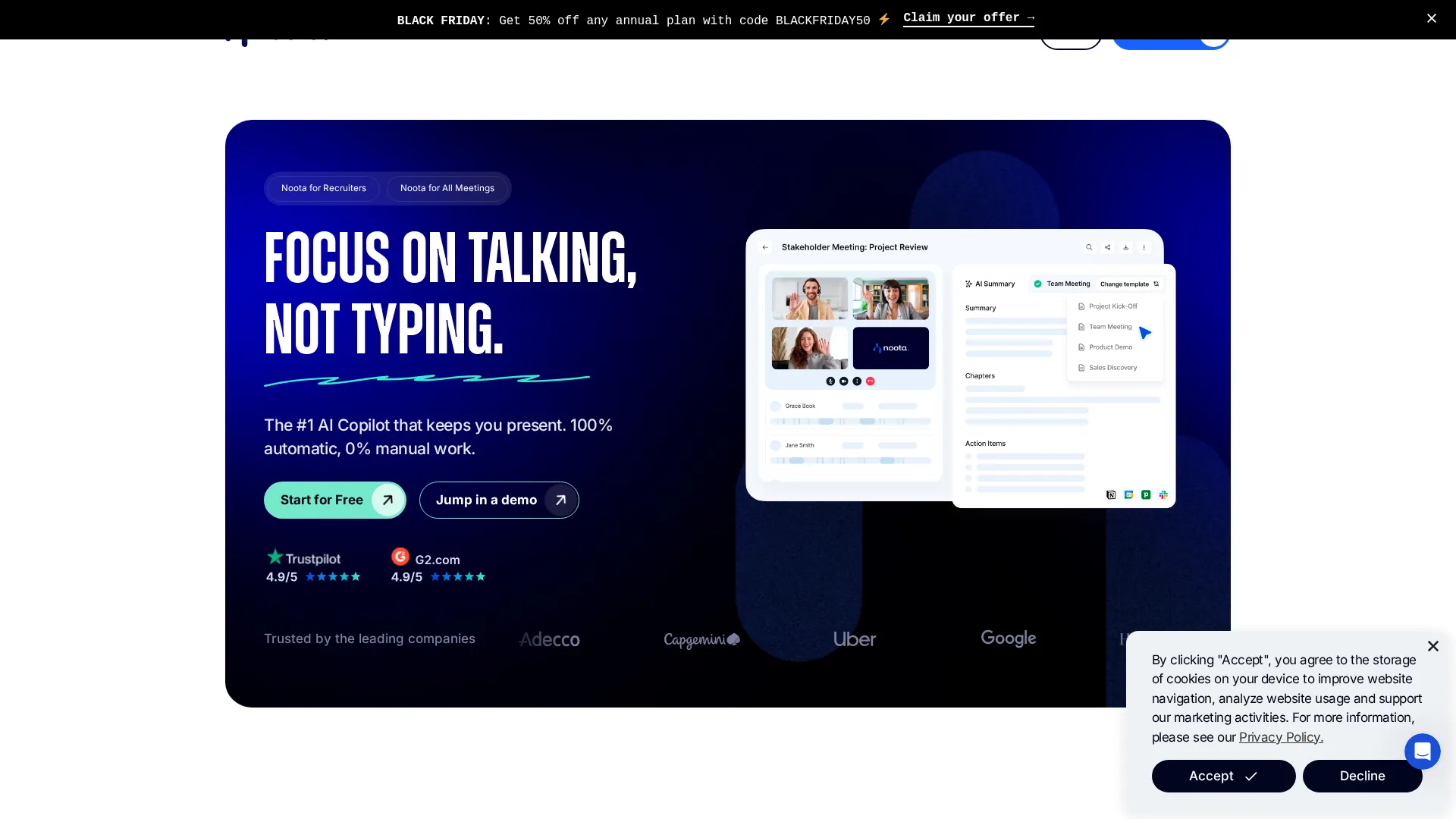 Noota homepage
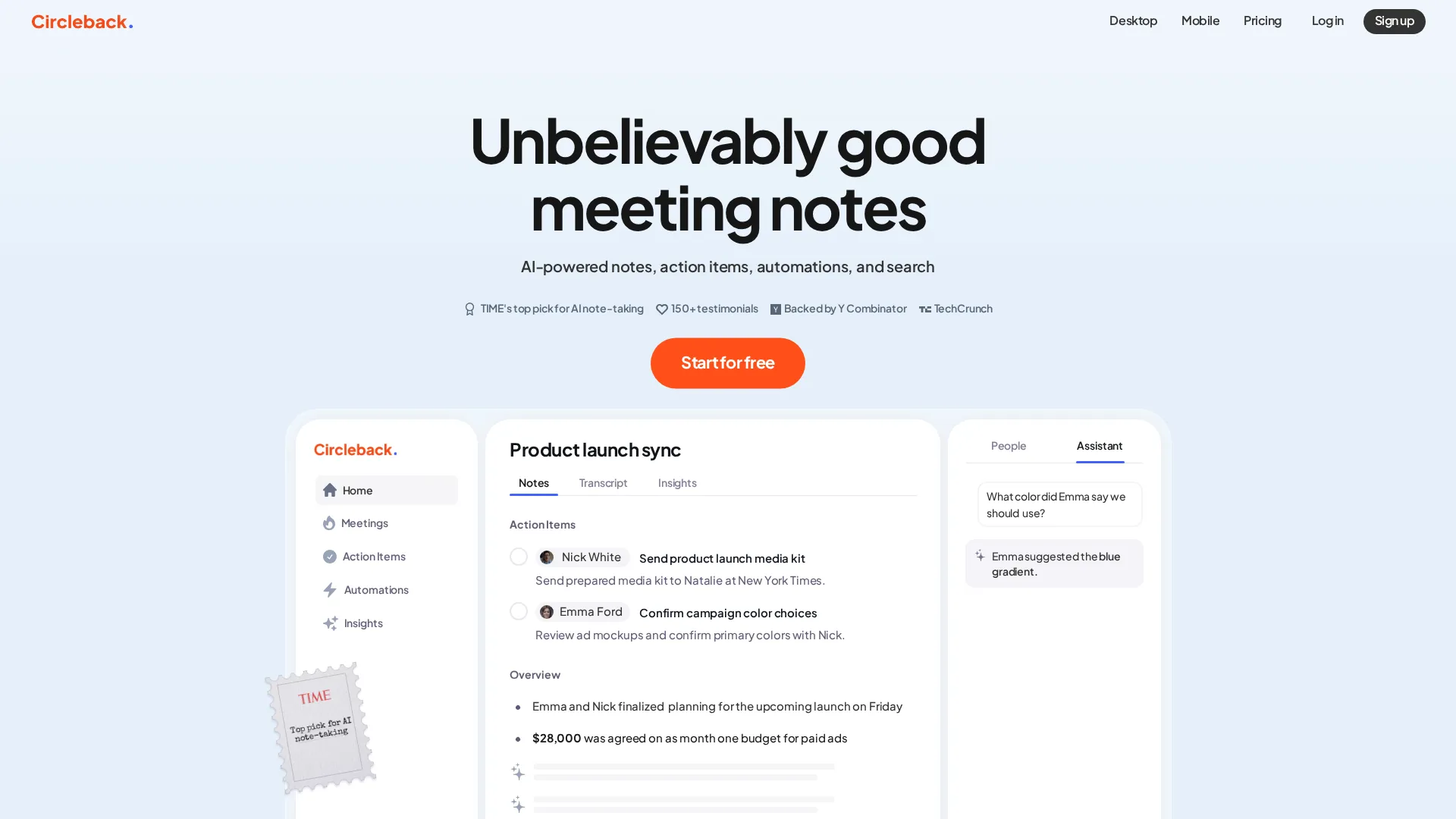 Circleback homepage
Quick Answer by User Type
| Your Situation | Choose | Why |
|---|---|---|
| Beginner / Solo | Circleback | Simpler setup, cleaner interface |
| Power User | Noota | Advanced analytics, cross-meeting search |
| Team (5-20) | Noota | Better team workspaces, custom templates |
| Budget Priority | Circleback | Lower entry price at $25/mo |
| Enterprise | Noota | Superior compliance, GDPR/SOC2/ISO27001 |
Overview: Who Made What
Noota comes from a European team focused on enterprise-grade meeting intelligence. The platform strongly emphasizes compliance (GDPR, SOC 2, ISO 27001), advanced analytics, and the ability to search and query across all past meetings - even those you did not attend. It targets recruiters, sales teams, and organizations that need structured data extraction from conversations.
Circleback was built by former Stripe engineers and emerged from Y Combinator. The focus is on simplicity and automation: record meetings, extract action items, and push them to the tools you already use. It is particularly strong for sales teams who want notes to flow automatically into CRMs and task managers.
Both tools integrate seamlessly with Zoom, Google Meet, and Microsoft Teams. Both generate AI summaries. The fundamental difference between them comes down to depth versus simplicity in approach.
For Beginners: Circleback Wins
The situation: You have never used an AI meeting tool before and want something that works without a learning curve.
| Factor | Noota | Circleback |
|---|---|---|
| Setup time | 20-30 minutes | 10-15 minutes |
| Interface complexity | Feature-rich, takes adjustment | Clean, minimal options |
| First useful result | After configuration | Immediately |
| Documentation | Comprehensive but dense | Straightforward guides |
Winner: Circleback
Circleback gets you to useful results faster. Connect your calendar, install the extension, and your next meeting gets recorded and summarized automatically. The interface presents exactly what you need without overwhelming options.
Noota has more capabilities, but beginners often feel lost in the configuration options. The platform offers 8+ customizable summary templates, multiple export formats, and detailed analytics dashboards. This considerable power comes at the cost of initial complexity and learning time. New users report spending 20-30 minutes understanding the interface before feeling comfortable.
If you just want meeting notes that appear in Slack after each call, Circleback delivers that with minimal friction. If you eventually need more sophistication and advanced features, you can always migrate to Noota later.
In Brief: Circleback gets beginners productive in minutes. Noota requires investment upfront but rewards it later with deeper capabilities.
For Power Users: Noota Wins
The situation: You attend many meetings and need advanced search, analytics, and customization.
| Factor | Noota | Circleback |
|---|---|---|
| Cross-meeting search | Yes (Ask Noota) | Limited |
| Custom templates | 8+ built-in, fully customizable | Basic customization |
| Analytics dashboard | Talk time, participation, trends | Basic metrics |
| Export formats | PDF, CSV, text, API | Markdown, integrations |
Winner: Noota
Power users will hit Circleback's ceiling quickly. The tool does one thing well - structured notes with automation - but lacks depth for users who want to analyze patterns across meetings or build custom reporting workflows.
Noota's "Ask Noota" feature is the differentiator. You can query across all past meetings: "What did we discuss about pricing in the last month?" or "Show me all action items assigned to Sarah." This cross-meeting intelligence is something Circleback simply does not offer.
The customizable templates let power users build meeting-specific extraction. A sales call template can pull out objections, next steps, and decision makers. A recruitment template can score candidates against criteria. A project standup can extract blockers and dependencies. Circleback offers templates but with less granular control.
For users managing dozens of meetings weekly, Noota's organizational features - smart filters, auto-foldering, team workspaces - prevent the chaos that would otherwise accumulate. Circleback works fine for moderate meeting loads but lacks the structure for heavy users.
For Teams: Noota Wins
The situation: Multiple team members need shared access to meeting intelligence with proper permissions and collaboration.
| Factor | Noota | Circleback |
|---|---|---|
| Team workspaces | Yes, with permissions | Basic sharing |
| Admin controls | Granular | Limited |
| Shared templates | Yes | Yes |
| Cross-team search | Yes | No |
| SSO/SCIM | Enterprise plan | Enterprise plan |
Winner: Noota
Teams clearly need more than individual note-taking. They need shared context, proper access controls, and the ability to find information across colleagues' meetings.
Noota's team workspaces let managers see all team meetings without attending each one. A sales manager can review how reps handle objections. A recruiting lead can ensure consistent interview scoring. This level of visibility requires proper permissions, and Noota's admin controls deliver that granularity.
Circleback handles team scenarios adequately but lacks Noota's organizational depth. Sharing exists, but the cross-team search and analytics that make Noota powerful for organizations are absent. For a small team of 3-4 people, Circleback works fine. For 10+ people who need to collaborate on meeting intelligence, Noota scales significantly better.
The pricing difference matters here too. Circleback charges $30/user for teams. Noota's Business plan runs $49/user but includes significantly more team functionality. The per-user cost is definitely higher, but the capability gap justifies it for teams that will actually use the features.
Warning: Both tools charge on a per-user basis, which matters for growing teams. For large teams, costs escalate quickly. Negotiate annual contracts for better rates.
For Budget: Circleback Wins
The situation: Price is the primary consideration, and you need functional meeting notes without premium features.
| Plan | Noota | Circleback |
|---|---|---|
| Free tier | Limited features | 7-day trial only |
| Entry paid | $29/mo | $25/mo |
| Team | $49/user/mo | $30/user/mo |
| Enterprise | Custom | Custom |
Winner: Circleback
Circleback simply costs less at every tier. The individual plan at $25/month versus Noota's $29/month is a modest difference, but team pricing shows the real gap: $30/user versus $49/user.
For budget-conscious buyers, the question is whether Noota's additional features justify a 60% premium on team plans. If you need cross-meeting search, advanced analytics, and granular permissions, the answer is yes. If you need solid notes with automation, Circleback delivers at lower cost.
Noota offers a free tier with limited transcriptions, while Circleback provides only a 7-day trial. For users wanting to evaluate both tools extensively before paying, Noota's free option helps - though the limitations push most users to paid plans quickly.
Neither tool can truly compete with more budget-friendly options like Tactiq ($12/mo) or tl;dv (free unlimited). If price is the primary factor, consider those alternatives before choosing between Noota and Circleback.
Feature Comparison Table
| Feature | Noota | Circleback |
|---|---|---|
| Recording (audio/video) | Yes | Yes |
| Bot-free option | No (uses bot) | Yes (botless available) |
| Real-time transcription | Yes | No |
| Languages | 6+ | 100+ |
| Custom templates | Yes (extensive) | Yes (basic) |
| CRM integration | HubSpot, Salesforce, Pipedrive | HubSpot, Salesforce |
| Cross-meeting search | Yes | No |
| Mobile app | Yes (iOS/Android) | Yes |
| GDPR compliance | Yes (EU hosting) | Yes |
| SOC 2 | Yes | Yes |
| API access | Yes | Limited |
Pricing Breakdown
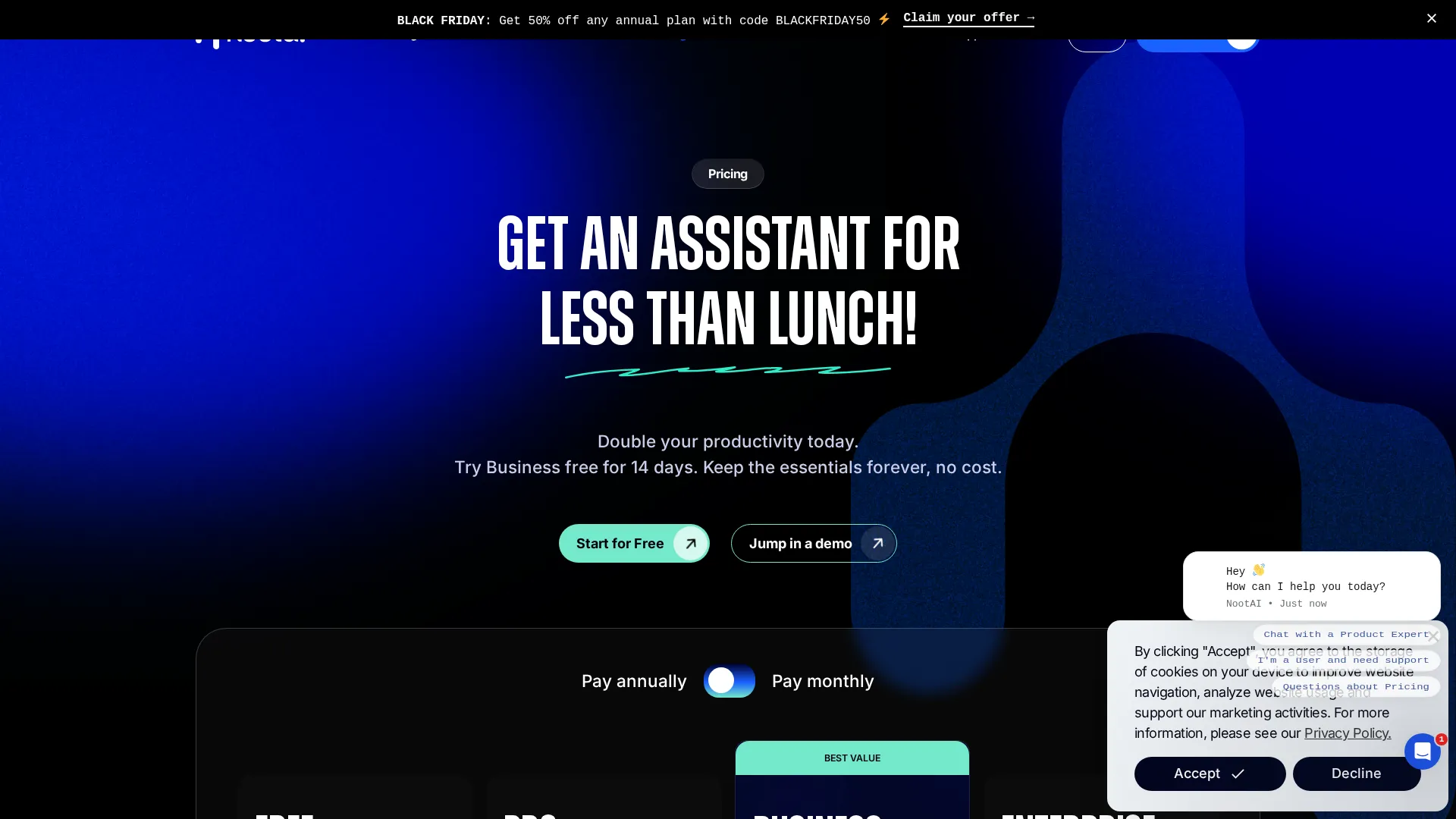 Noota pricing
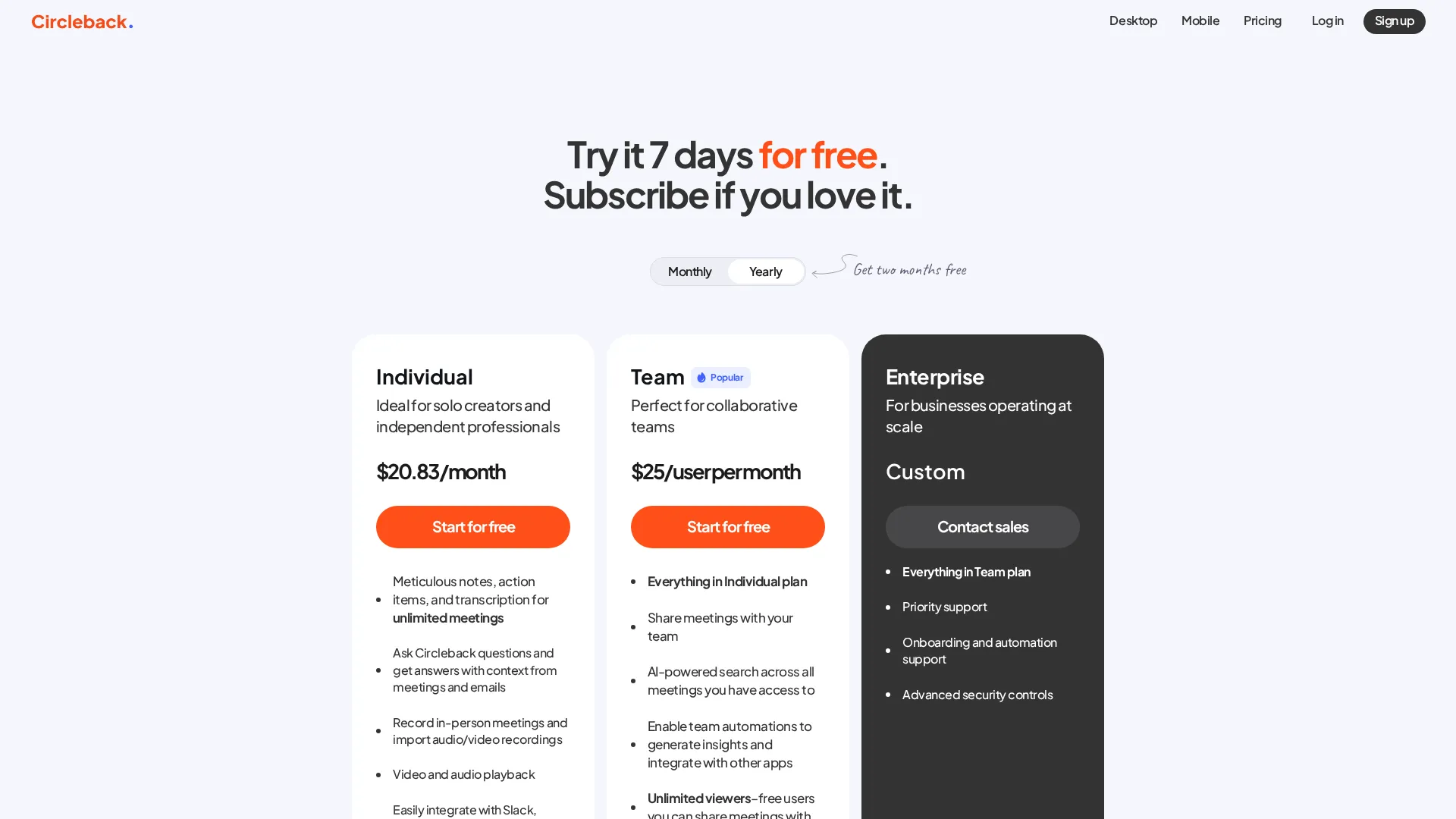 Circleback pricing
Noota:
- Free: Limited transcriptions, basic features
- Pro: $29/user/month - unlimited meetings, custom templates
- Business: $49/user/month - team workspaces, advanced analytics
- Enterprise: Custom pricing - SSO, SCIM, dedicated support
Circleback:
- Trial: 7 days free
- Individual: $25/month - unlimited meetings, automations
- Team: $30/user/month - shared workspaces, admin controls
- Enterprise: Custom pricing
Both platforms offer annual billing discounts (typically 15-20%). For teams committing long-term, annual contracts reduce the effective monthly cost significantly.
Final Recommendation
Choose Noota if:
- You need to search across past meetings
- Team analytics and visibility matter
- Compliance requirements are strict (GDPR, ISO 27001)
- You want deep customization of note templates
- Your organization has 10+ users
Choose Circleback if:
- You want the fastest path to useful notes
- Budget is constrained
- Workflow automation is the priority
- Your team is small (under 10)
- Simplicity matters more than depth
For most small teams and individual users, Circleback offers the better balance of capability and simplicity. For organizations needing meeting intelligence at scale, Noota's deeper feature set justifies the premium.
Frequently Asked Questions
Does Noota or Circleback use a meeting bot?
Noota uses a visible meeting bot that joins calls. Circleback offers both bot and botless recording options - the botless approach uses a Chrome extension or desktop app instead.
Which has better transcription accuracy?
Both perform quite well on standard English transcription. Circleback supports 100+ languages versus Noota's 6+, giving Circleback the clear edge for multilingual teams.
Can I try both before deciding?
Noota offers a somewhat limited free tier. Circleback provides a 7-day trial. Neither gives extended free access for thorough evaluation.
Which integrates better with Salesforce?
Both offer Salesforce integration. Circleback's automation workflows make CRM updates more seamless; Noota offers deeper data extraction but requires more configuration.
Related
Read full reviews: Noota Review | Circleback Review
See also: Best AI Meeting Assistants 2025
Sources
Disclosure: Topic Wise may earn commission from affiliate links on this page.

Written by
John Marti
Testing AI tools so you don't have to. 7+ years covering productivity software, automation, and emerging tech. Previously at TechCrunch and The Verge.
