
Bluedot vs Tactiq 2025: Which AI Meeting Tool Fits Your Role?
Both Bluedot and Tactiq skip the awkward meeting bot entirely. Both run as Chrome extensions. Both promise accurate transcripts without disrupting your calls. So which one actually fits your specific workflow and daily needs? The answer depends entirely on what you do for work and what you need from your meeting notes.
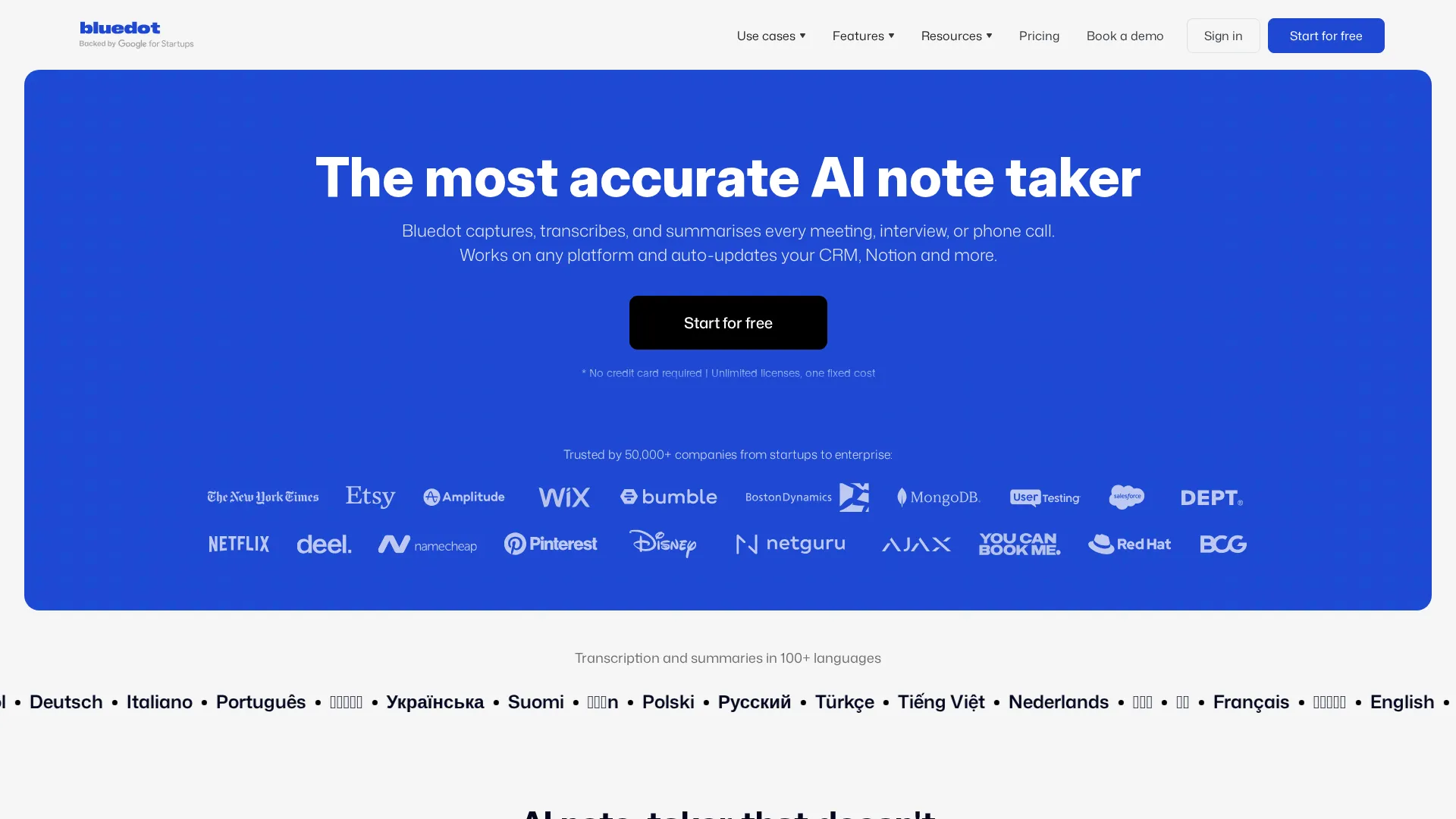 Bluedot homepage
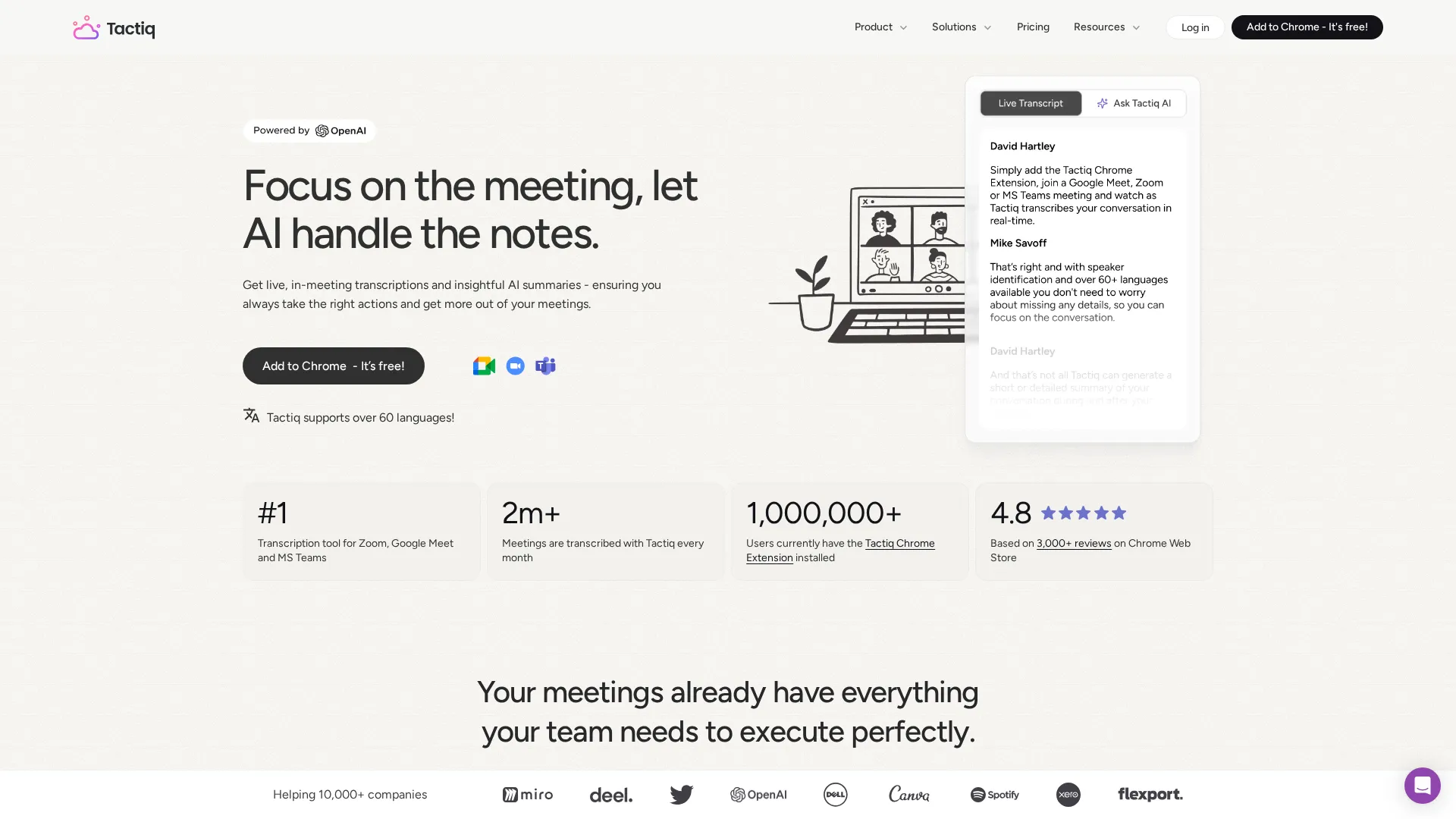 Tactiq homepage
Summary by Role
| Your Role | Best Choice | Why |
|---|---|---|
| Sales teams | Bluedot | CRM integrations, video recording |
| Product managers | Bluedot | Custom templates, longer recordings |
| Consultants | Tactiq | Real-time captions, privacy-first |
| Small business / Solo | Tactiq | Lower price, simpler setup |
| Compliance-heavy orgs | Tactiq | No audio storage, transcript-only |
Overview
Bluedot and Tactiq represent two different philosophies for meeting documentation. Bluedot records audio and video, processes them with AI, and delivers rich summaries with full playback capability. Tactiq captures only the live caption stream - no recordings, no audio files, just text.
This fundamental difference shapes everything else. Bluedot gives you more features but requires more storage, more processing, and more consideration around data privacy. Tactiq gives you less but keeps things simple and lightweight.
Both tools work with Google Meet, Zoom, and Microsoft Teams via Chrome extension. Neither tool sends a visible bot into your meetings. But the similarities end there.
For Sales Teams
Primary needs: CRM sync, call recording, deal intelligence
| Requirement | Bluedot | Tactiq |
|---|---|---|
| CRM sync (HubSpot/Salesforce) | Yes (Business plan) | Limited |
| Video recording | Yes (Pro+) | No |
| Unlimited calls | Yes (paid plans) | Yes ($12/mo) |
| Custom templates | Yes | Yes |
| Call playback | Yes | No |
Best choice: Bluedot
Sales teams need to review calls, share specific moments with managers, and automatically log conversations to their CRM. Bluedot delivers on all three. The video recording means you can clip a prospect's objection and share it with the team. The HubSpot and Salesforce integrations push notes directly to contact records without manual copy-paste.
Tactiq falls short here because there is no recording to review. If a prospect mentioned a competitor or gave buying signals, you only have the transcript - which might miss tone and context that matter in sales. The CRM integrations are also more limited than Bluedot's native connections.
The Bluedot Business plan at $32/user/month is expensive but pays for itself if it saves even one deal per quarter through better follow-up. Sales teams should budget for this tier to get full CRM functionality.
For Product Managers
Primary needs: Feature request tracking, stakeholder alignment, decision documentation
| Requirement | Bluedot | Tactiq |
|---|---|---|
| Long meeting support | Unlimited (Pro) | Unlimited |
| Custom extraction templates | Yes | Yes (Kits) |
| Notion/Linear integration | Yes | Yes |
| Search across meetings | Yes | Yes |
| Recording for reference | Yes | No |
Best choice: Bluedot
Product managers often need to revisit discussions weeks later when prioritizing features or resolving disputes about what was decided. Bluedot's recording capability means you can verify exactly what stakeholders said, not just what the AI transcribed.
The custom template feature works well for PM workflows. You can build a template that extracts decisions, action items, feature requests, and blockers from every meeting. Both tools offer this, but Bluedot's additional recording layer adds insurance against transcription errors.
Tactiq's strength is real-time visibility during meetings. If you want to see the transcript building live and highlight important moments as they happen, Tactiq's interface is cleaner for this use case. But most PMs will value the recording fallback more than live transcription view.
For product managers doing extensive user research interviews, Bluedot's unlimited recording on Pro ($20/month) is the clear choice. The ability to clip and share user quotes with the team justifies the higher price versus Tactiq's transcript-only approach.
Tip: Create a dedicated template for user interviews that extracts quotes, pain points, and feature requests. Both tools support this, but Bluedot lets you verify quotes against the original recording.
For Consultants
Primary needs: Client confidentiality, professional deliverables, simple pricing
| Requirement | Bluedot | Tactiq |
|---|---|---|
| GDPR compliance | Yes | Yes |
| No audio storage option | No | Yes (default) |
| Professional exports | Yes | Yes |
| Client-safe (no bots) | Yes | Yes |
| Price per user | $14-32/mo | $12-17/mo |
Best choice: Tactiq
Consultants often work with clients who have strict policies about recording. Some organizations prohibit any audio capture, even with consent. Tactiq's transcript-only approach sidesteps this entirely - you get documentation without creating a recording that clients might object to.
The privacy-first design is also significantly simpler to explain in client conversations. "I'm capturing text notes from the meeting captions" is an easier conversation than "I'm recording audio and video that will be processed by AI and stored on cloud servers."
Tactiq's lower price point helps consultants who bill by project rather than maintaining monthly subscriptions. At $12/month for Pro versus Bluedot's $20/month, the savings matter for independent consultants managing tight margins.
The limitation is obvious: no recording means no playback. If a client disputes what was discussed, you have only the transcript. For high-stakes engagements where documentation serves as protection, Bluedot's recording might be worth the complexity.
For Small Business
Primary needs: Affordable pricing, easy setup, minimal administration
| Requirement | Bluedot | Tactiq |
|---|---|---|
| Free tier | 5 meetings lifetime | 10 meetings/month |
| Entry paid plan | $14/mo | $12/mo |
| Setup time | 15 minutes | 5 minutes |
| Learning curve | Moderate | Low |
| Team features | $32/user | $17/user |
Best choice: Tactiq
Small businesses need tools that work immediately without extensive configuration. Tactiq wins on simplicity. Install the Chrome extension, grant calendar access, join your next meeting, and you are immediately transcribing without any additional configuration. The interface is straightforward and the feature set is focused rather than sprawling.
The pricing advantage compounds at scale. A 5-person team pays $60/month on Tactiq Team versus $160/month on Bluedot Business for comparable functionality. That is $1,200/year in savings that small businesses can allocate elsewhere.
Bluedot's free tier is notably stingy - just 5 meetings total, not monthly. Tactiq offers 10 meetings per month on free, which is enough for a small business owner to use indefinitely for occasional important calls while paying only for team members who need unlimited access.
The trade-off is capability. If your small business needs video playback, deep CRM integration, or extensive customization, Bluedot delivers more. But most small businesses primarily need basic transcription and summaries - and Tactiq handles that well at a lower price.
Warning: Bluedot's free tier expires after just 5 meetings total. Budget for paid plans from day one if you choose Bluedot.
Pricing Comparison
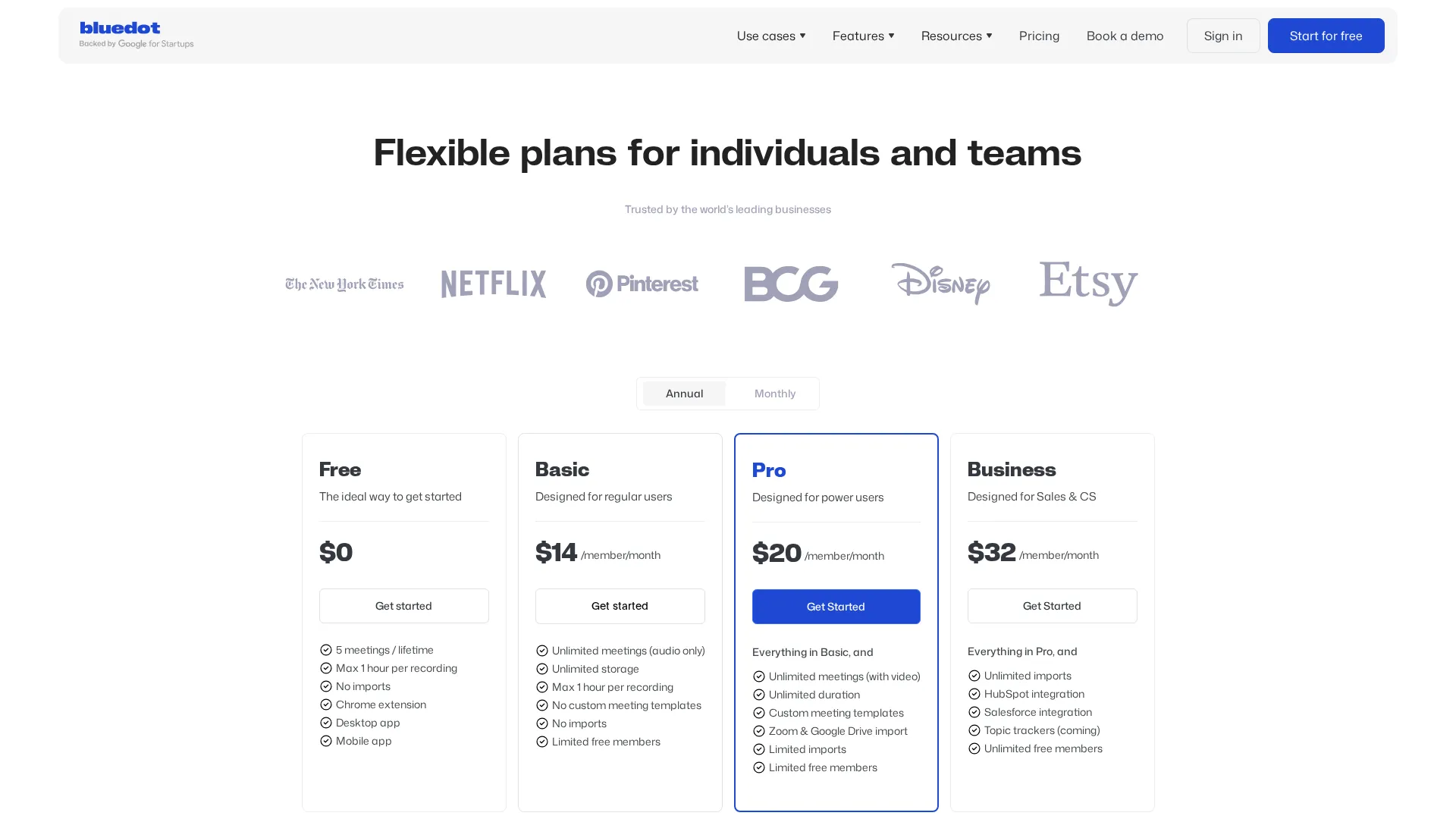 Bluedot pricing
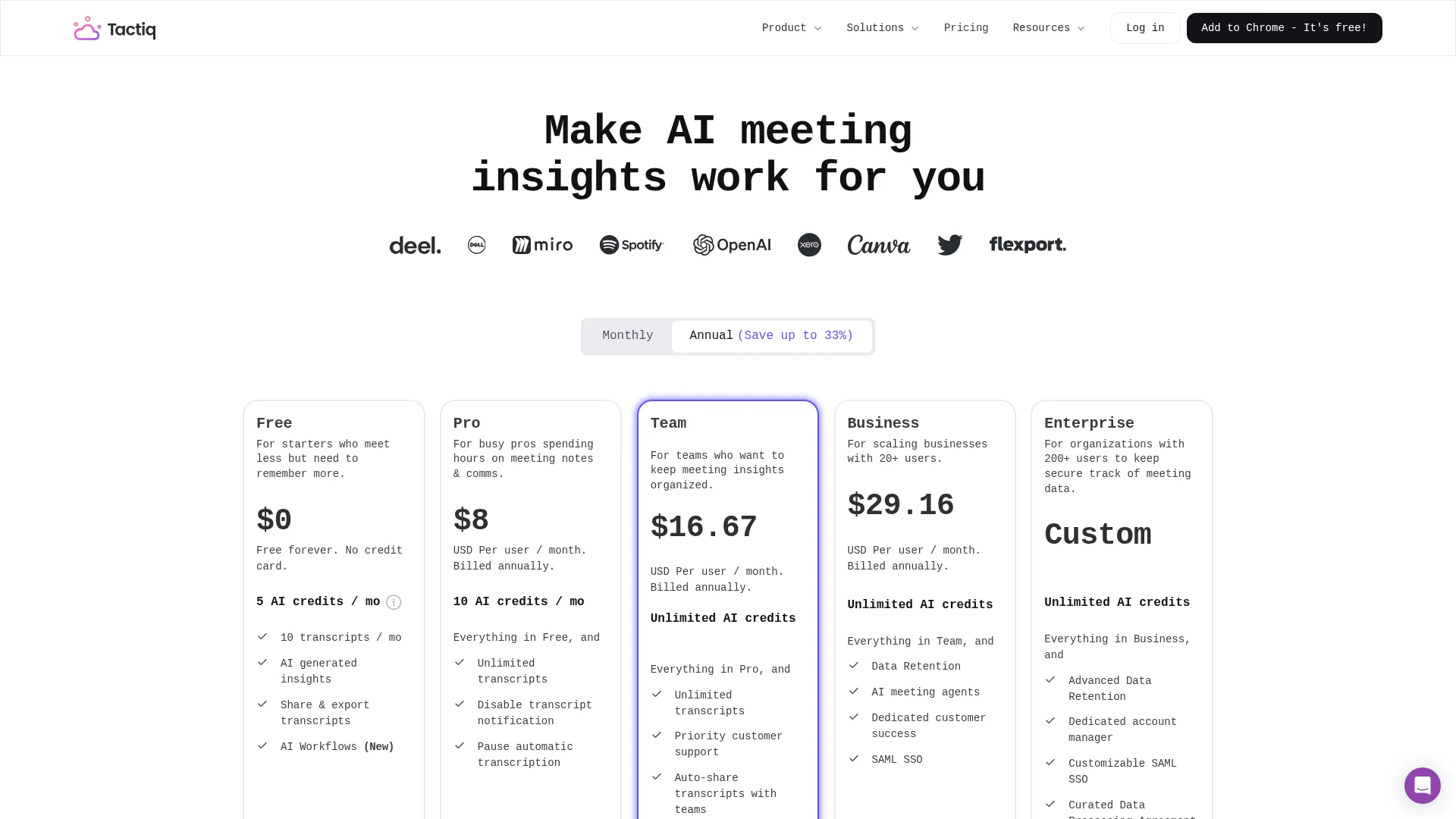 Tactiq pricing
| Plan | Bluedot | Tactiq |
|---|---|---|
| Free | 5 meetings lifetime | 10 meetings/month |
| Individual | $14/mo (audio only) | $12/mo (unlimited) |
| Pro | $20/mo (video + templates) | - |
| Team | $32/user/mo | $17/user/mo |
Prices as of November 2025
Tactiq is consistently and noticeably cheaper at every tier. The key question is whether Bluedot's additional features - particularly video recording and deeper integrations - justify the premium.
For transcript-only needs, Tactiq's pricing is hard to beat. The $12/month Pro plan includes unlimited transcription while Bluedot's comparable tier has recording duration limits.
For teams needing full recording and CRM sync, Bluedot's higher price includes capabilities Tactiq simply does not offer. You cannot get video recording from Tactiq at any price.
Quick Take: Bluedot wins for sales and product teams who need recordings and CRM sync. Tactiq wins for consultants and small businesses who want simplicity and lower costs. Both skip the meeting bot problem entirely.
Final Verdict
Choose Bluedot if:
- You need video recording and playback
- CRM integration is essential (especially HubSpot/Salesforce)
- You want to clip and share meeting moments
- Your role requires reviewing exactly what was said
Choose Tactiq if:
- Transcript-only meets your needs
- Budget is a priority
- Privacy concerns make recording complicated
- You want the simplest possible setup
- Real-time transcription view during meetings matters
Both tools successfully avoid the annoying meeting bot problem and deliver consistently accurate transcriptions across platforms. The choice comes down to whether you need recordings or actively want to avoid them. For most knowledge workers, that single fundamental question determines the right tool for your situation.
Frequently Asked Questions
Can I switch from Bluedot to Tactiq or vice versa?
Yes. Both tools conveniently store transcripts in exportable formats. You cannot transfer recordings from Bluedot to Tactiq (since Tactiq does not support recordings), but text transcripts and summaries can be exported and archived.
Do both work with Google Meet, Zoom, and Teams?
Yes. Both operate as Chrome extensions that capture from any of these platforms in the browser. Desktop apps are also available for non-browser meetings.
Which has better transcription accuracy?
Both use advanced speech recognition and perform similarly in testing. Transcription accuracy depends more on audio quality and speaker clarity than the tool itself.
Can I use both simultaneously?
Technically yes, but there is no practical reason to do so. Pick one based on your specific workflow needs and stick with it.
Related
Read full reviews: Bluedot Review | Tactiq Review
See also: Best AI Meeting Assistants 2025
Sources
Disclosure: Topic Wise may earn commission from affiliate links on this page.

Written by
John Marti
Testing AI tools so you don't have to. 7+ years covering productivity software, automation, and emerging tech. Previously at TechCrunch and The Verge.
