
Top AI Meeting Assistants of 2025: Otter.ai, Fireflies & More
Zoom marathons keep getting longer, workweeks keep getting shorter, and every lead wants a flawless recap in the inbox. To keep sales, product, and marketing teams from spending hours on transcripts, companies now rely on After I tested five leading tools, AI meeting assistants that record conversations, summarize decisions, capture tasks, and deliver follow-ups straight to Slack, the CRM, or Notion. We ran five of the biggest tools of 2025-Otter.ai, Fireflies.ai, Fathom, Sembly, and Read AI-through three real-world scenarios: a daily sales stand-up, a product sprint review, and customer discovery interviews.
How we tested: Each bot joined live Zoom/Teams/Meet calls. We timed recap delivery, checked transcript accuracy, and reviewed available integrations. Detailed lab notes are available to the editorial team in the internal research archive.
Complete Guide: For our full comparison including Circleback, Bluedot, and Granola, see Best AI Meeting Assistants 2025
Quick Comparison Snapshot
| Tool | Shines For | Key Features | Price (USD/seat/mo) | Integrations | Security |
|---|---|---|---|---|---|
| Otter.ai Business | Daily sales syncs | Live transcript, auto action items, collaborative notes | $30 | Slack, HubSpot, Google Drive | SOC 2 Type II, GDPR |
| Fireflies.ai Pro | Sales & CS teams with CRM workflows | 8K minutes, AI Super Summaries, automatic CRM logging | $18 | Salesforce, HubSpot, Notion, Slack | SOC 2, GDPR, private channels |
| Fathom Premium | Customer interviews & discovery | Highlight reels, instant Markdown recap | $19 | Notion, Slack, ClickUp | SOC 2 (paid tier) |
| Sembly Team | Enterprise product/ops reviews | Sentiment scoring, decision export to Jira | $15 | Asana, Monday, Jira, Slack | ISO 27001, SOC 2, API |
| Read AI Pro | Leadership syncs | Engagement score, friction alerts, smart follow-ups | $20 | Slack, Email, Calendar | SOC 2, data residency options |
1. Otter.ai - Fastest Live Companion
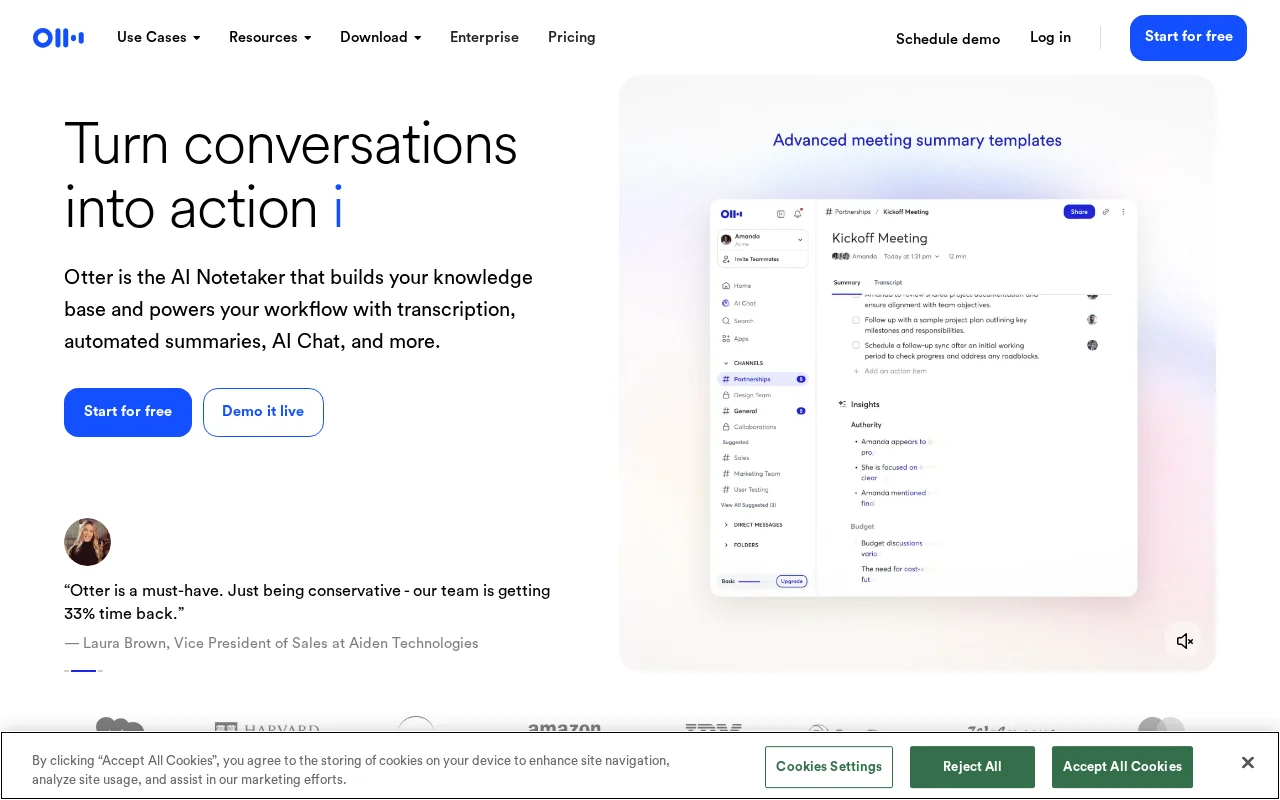
If your team values speed and simplicity, Otter.ai is still the benchmark. OtterPilot automatically joins Zoom, Meet, and Teams, delivers real-time transcripts with speaker identification, and highlights every speaker down to individual words.[^1] After the call, the bot posts a structured recap to Slack and email-agenda, key quotes, action items, and speaker breakdowns.
Where it excels:
- Real-time transcript with zero lag and speaker highlights.
- Collaborative note-taking-team members can add tags and comments during the call.
- Detects phrases like "I'll take it" and "Let me handle that" to auto-suggest owners.
Watch for:
- Cloud-only hosting (enterprises with strict data rules need a DPA).
- Business plan is pricier at $30/seat, but includes 6,000 monthly minutes.
Best for: sales teams, customer success, and execs who need rapid summaries. For advanced workflows (API-driven routing, multi-step automation) pair it with tools like Zapier or Make-see the full automation comparison for detailed options.
2. Fireflies.ai - CRM Workflow Orchestrator
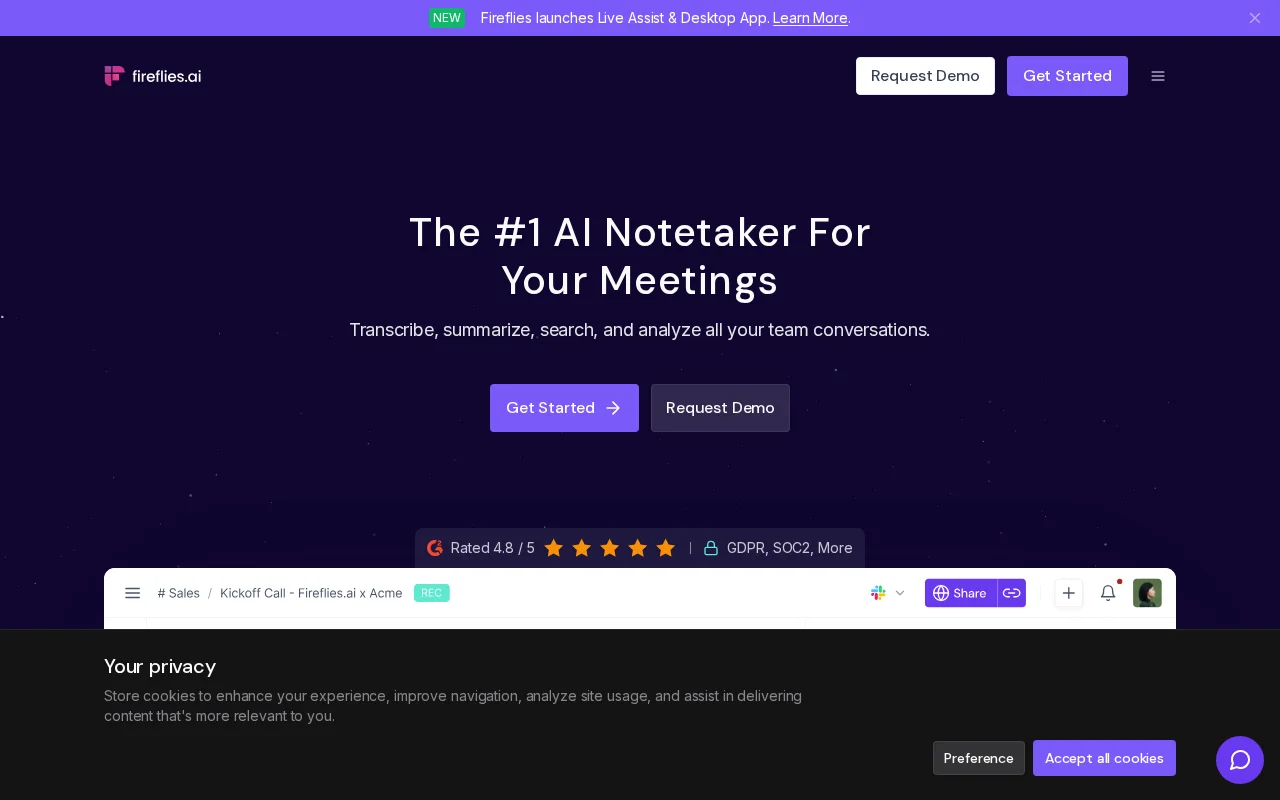
Fireflies.ai wins when you want meetings to flow straight into your CRM and task trackers. The Pro plan ($18/seat) includes 8,000 minutes each month, AI Super Summaries, automated task logging, and follow-up hooks.[^2] It connects to Salesforce, HubSpot, Notion, Asana, Slack, and email, so everything syncs moments after the call.
Where it excels:
- Deep CRM integrations-every activity lands in the deal record automatically.
- Custom topics: train it to flag "risk," "budget," or "next steps."
- Strong team controls: private channels, granular permissions, SSO.
Watch for:
- Minute caps are tighter than Otter's pool.
- Bot access requires inviting "Fireflies Notetaker" to calendars ahead of time-easy to forget.
Best for: sales and customer success teams that want a "meeting -> CRM -> follow-up" pipeline without manual work. Pair it with our coding assistant face-off to automate thank-you emails or proposal drafts.
3. Fathom - Interviewer's Highlight Machine
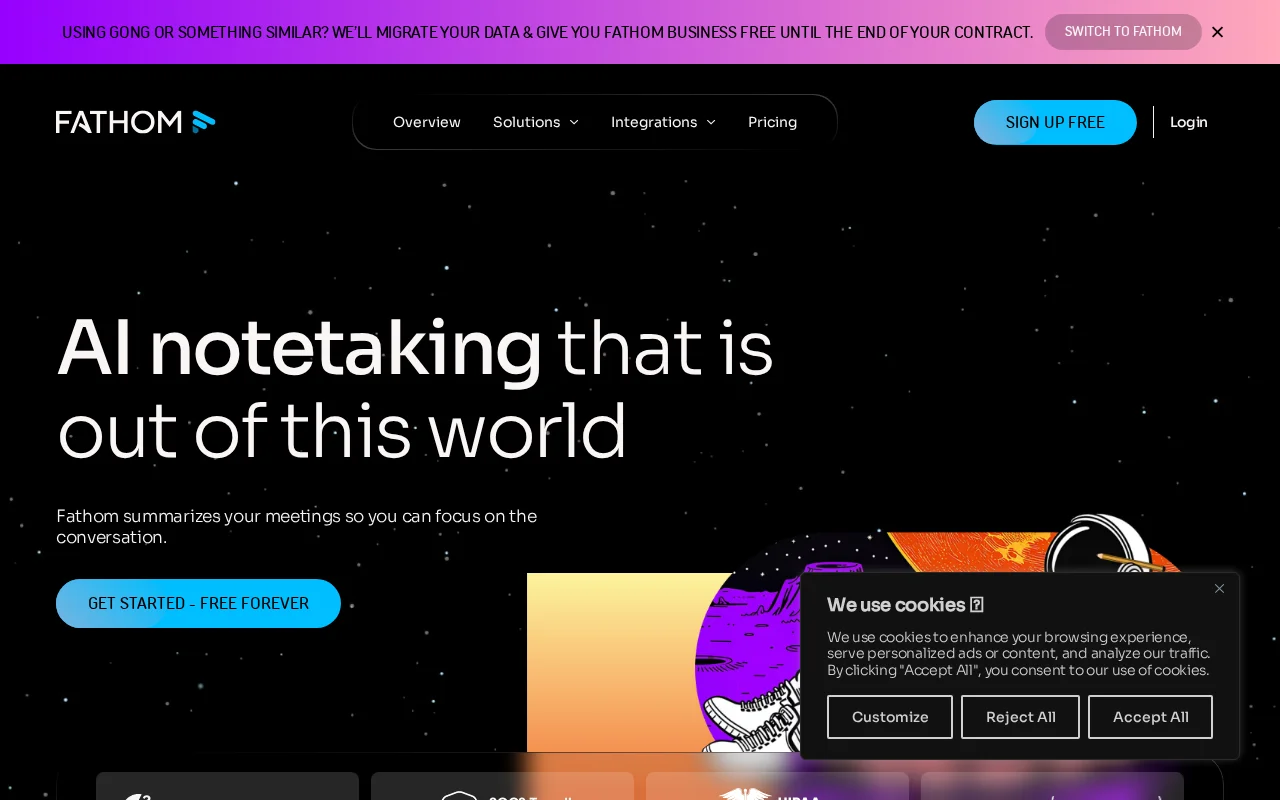
Fathom stays a startup darling thanks to its generous free tier; the Premium plan ($19/seat) adds Team Workspaces, SOC 2 compliance, and consent management tools.[^3] The killer feature is Highlight Reels: tag moments live, then export video clips with subtitles directly to Notion or ClickUp.
Where it excels:
- Highlight 2.0 auto-classifies clips as "Decision," "Risk," or "Insight."
- Unlimited recordings for individuals on the free plan.
- Quick exports to Notion, Slack, Google Docs-ideal for discovery share-outs.
Watch for:
- Desktop app required for full functionality (no browser-only option).
- Lacks deep engagement analytics compared to Read AI.
Best for: product managers, UX researchers, and marketers turning qualitative interviews into shareable clips.
4. Sembly - Enterprise-Grade Insight Engine
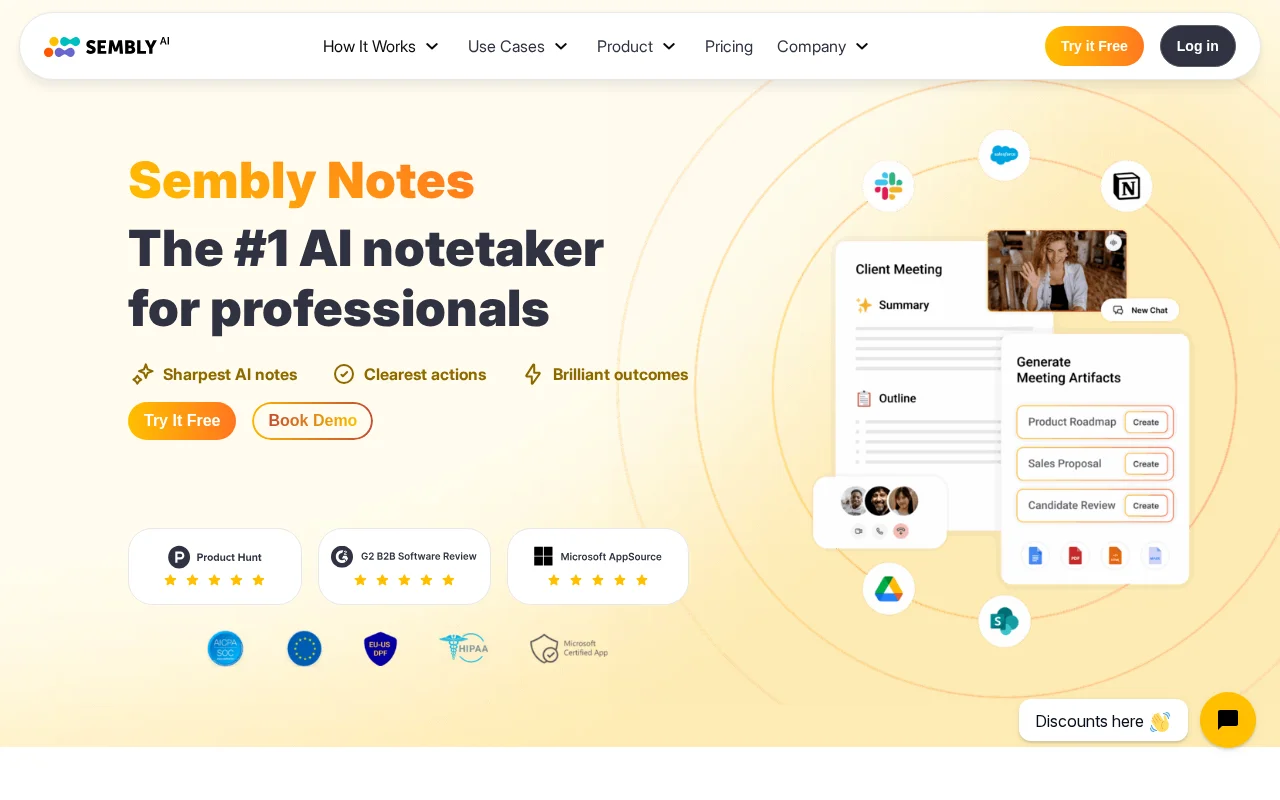
Sembly targets corporate teams. It supports 30+ languages, runs sentiment analysis, surfaces risks/decisions/actions, and syncs tasks to Asana, Monday, and Jira.[^4] The Team plan ($15/seat) ships with 4,000 minutes, API access, and compliance exports (ISO 27001, SOC 2).
Where it excels:
- Segment-level sentiment analysis to spot where conversations derail.
- Decision and risk dashboards for leadership visibility.
- Supports on-prem-style deployments via private bots and flexible retention policies.
Watch for:
- Requires manually inviting the bot to every meeting.
- Interface is configuration-heavy-budget onboarding time.
Best for: enterprise product and operations teams focused on governance, compliance, and structured decision logs.
5. Read AI - Engagement and Friction Radar
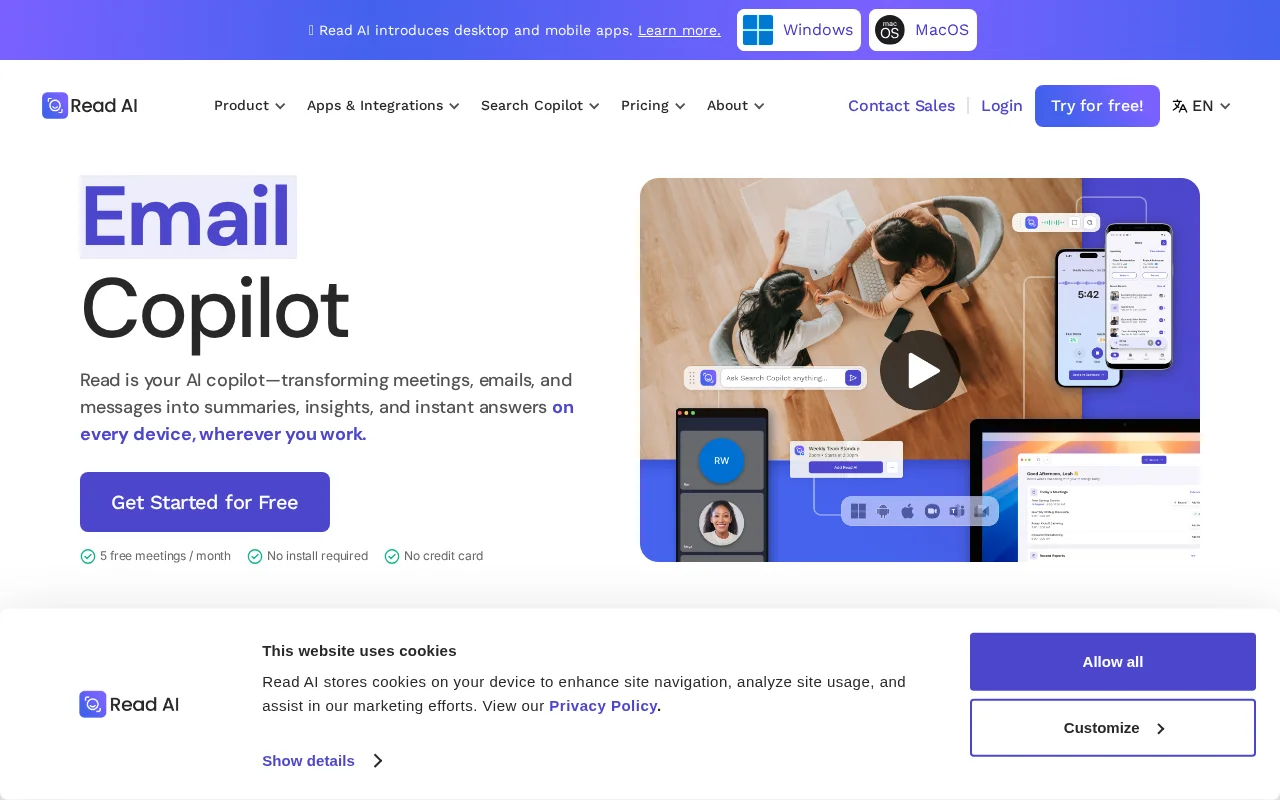
Read AI zeroes in on meeting quality. It calculates engagement scores, flags "friction" moments (interruptions, cross-talk), tracks speaking balance, and sends smart follow-ups with quotes.[^5] The Pro subscription ($20/seat) adds multi-language transcripts plus Slack and email digests.
Where it excels:
- Instant engagement reports-useful for managers and coaches.
- Automated follow-up reminders with contextual quotes.
- Extra analytics: talk-time balance, meeting fatigue, recurring themes.
Watch for:
- Slack digests can be noisy; switch heavy users to email summaries.
- No built-in video recording (audio + analytics only).
Best for: leadership and People Ops teams focused on meeting culture and disciplined follow-ups.
Bot-Free Alternatives: Granola & Circleback
Not everyone wants a bot joining their calls. Two rising tools record locally without any visible meeting participant:
Granola
Granola runs silently on your Mac, capturing audio locally and generating AI summaries without joining as a bot. Perfect for sensitive client calls where bot presence feels awkward. Integrates with Notion and offers a generous free tier.
Best for: Consultants, therapists, coaches, and anyone in client-facing roles where bots feel intrusive.
Circleback
Circleback also records locally and syncs transcripts to your CRM without visible bots. Strong Salesforce integration and team features make it viable for sales teams who want bot-free recording.
Best for: Sales teams and account managers in industries where meeting bots raise compliance concerns.
For detailed reviews, see Granola AI Review and Circleback AI Review.
How to Pick the Right AI Meeting Assistant
With a crowded market, match tools to your specific needs:
- Speed vs. depth. Need instant recaps? Choose Otter. Want structured decisions and risk tracking? Sembly. Need highlight clips and story-driven output? Fathom.
- Integrations. Confirm native connectors for your CRM/PM stack. Fireflies dominates Salesforce/HubSpot, while Fathom and Otter are stronger with Notion and Slack.
- Security. If you need SOC 2, ISO 27001, or data residency, the shortlist narrows to Sembly and Fireflies. If NDA + SOC 2 is enough, Otter qualifies.
- Budget. Compare minute limits. Otter has the highest price per seat but the largest pool of minutes. Sembly is cheaper but only includes 4,000 minutes.
- Language coverage. Distributed teams should verify dialect support. Sembly and Read AI cover 30+ languages; Otter and Fireflies support ~15.
Mini Checklist Before Subscribing
- Run at least three meetings of different types on the free trial.
- QA accuracy on uncommon names and accents.
- Configure auto-sharing to keep sensitive sessions private.
- Align retention policies with corporate requirements.
- Pilot the tool with your actual integrations (CRM, Slack, Notion).
What to Do Next
- Launch a two-week pilot with your top pick and collect feedback from sales, product, and CS leads.
- Build a reusable follow-up workflow (Zapier or Make can help-see the automation comparison above).
- Track the time your team spends on follow-ups before and after rollout to prove ROI.
Frequently Asked Questions
Which AI meeting assistant is completely free?
Fathom offers unlimited free transcription with no per-meeting caps. Most other tools limit free tiers significantly.
Do these tools work with all video platforms?
Yes. All five tools support Zoom, Google Meet, and Microsoft Teams. Some also support Webex and other platforms.
Which is best for Salesforce integration?
Fireflies.ai has the deepest native Salesforce integration with automatic CRM logging.
Can I use multiple tools simultaneously?
Technically yes, but it creates confusion with multiple bots joining calls. Choose one primary tool.
Detailed Pros and Cons
Otter.ai
Pros:
- Fastest real-time transcription
- Excellent speaker identification
- Collaborative note editing during calls
- Strong mobile app
- 6,000 minutes/month on Business
Cons:
- Cloud-only (no on-prem option)
- Higher price point ($30/seat)
- Limited CRM depth vs Fireflies
- No video highlight reels
Fireflies.ai
Pros:
- Best CRM integration (Salesforce, HubSpot native)
- Custom topic training
- Strong team permissions
- Affordable Pro tier ($18)
- Private conversation channels
Cons:
- Minute caps tighter than Otter
- Requires calendar bot invite (easy to forget)
- Summary quality varies
- Learning curve for custom topics
Fathom
Pros:
- Generous free tier (unlimited recordings)
- Excellent highlight/clip feature
- Fast Notion/Slack export
- Good for qualitative research
- Simple, focused interface
Cons:
- Requires desktop app installation
- Less engagement analytics
- Smaller integration ecosystem
- Team features require paid tier
Sembly
Pros:
- Strong enterprise compliance (ISO 27001)
- Sentiment scoring unique feature
- Jira/Asana integration
- Affordable team pricing ($15)
- API access for custom workflows
Cons:
- Less polished UI
- Smaller user community
- Limited platform support
- Sentiment accuracy varies
Read AI
Pros:
- Unique engagement scoring
- Meeting health analytics
- Smart follow-up suggestions
- Data residency options
- Good for leadership meetings
Cons:
- Less focus on transcription accuracy
- Fewer integrations
- Higher learning curve
- Analytics can feel overwhelming
Common Questions
Which AI meeting assistant has the best free tier?
Fathom offers unlimited recordings on the free tier, making it the best option for individuals. Fireflies and Otter have more limited free tiers but offer more features when you upgrade.
Do these tools work with Microsoft Teams?
Yes, all five tools support Microsoft Teams. Fathom added full Teams support in 2025 via their desktop app.
Are AI meeting recordings GDPR compliant?
All tools listed support GDPR compliance, but you must configure consent workflows. Most require explicit participant notification. Check each provider's DPA for specific requirements.
Can AI meeting assistants replace taking manual notes?
For most meetings, yes. The transcription accuracy is 90-95%+ for clear audio. However, complex technical discussions or heavy accents may require human review.
Which tool integrates best with Salesforce?
Fireflies.ai has the deepest native Salesforce integration, automatically logging meeting activities to deal records. Otter connects via Zapier but requires more setup.
Related Articles
- Best AI Meeting Assistants 2025 - Complete comparison with Circleback, Bluedot, Granola
- AI Calendar Copilots 2025 - Manage your meeting-heavy schedule
- Bluedot AI Review - Bot-free meeting recording
Sources
[^1]: Otter.ai. "Features - Live Meeting Notes & Automated Summaries." September 18, 2025. https://otter.ai/features [^2]: Fireflies.ai. "Pricing & Plans." August 30, 2025. https://fireflies.ai/pricing [^3]: Fathom. "Introducing Meeting Highlights 2.0." September 5, 2025. https://fathom.video/blog/introducing-meeting-highlights-2025 [^4]: Sembly AI. "Enterprise Solutions." July 22, 2025. https://www.sembly.ai/solutions/enterprise [^5]: Read AI. "Product Overview." September 11, 2025. https://www.read.ai/product

Written by
John Marti
Testing AI tools so you don't have to. 7+ years covering productivity software, automation, and emerging tech. Previously at TechCrunch and The Verge.
