Best AI Image Generators 2025: 10 Tools Tested for Quality, Speed & Price
We tested 15+ AI image generators over 60 days using identical prompts: product mockups, realistic portraits, fantasy art, logos, and architectural renders. We measured output quality, prompt accuracy, generation speed, and cost per image.
The AI image generation space matured significantly in 2025. Midjourney released web access, DALL-E 3 integrated deeply with ChatGPT, and open-source models caught up on quality. Each tool now has clear strengths. The "best" depends entirely on what you need.
Our testing methodology: Each tool received 50 identical prompts across 5 categories. We rated outputs on a 1-10 scale for quality, prompt accuracy, and commercial viability. All pricing verified December 2025.
Quick Picks: Best AI Image Generator by Use Case
| Use Case | Winner | Price | Why It Wins |
|---|---|---|---|
| Best Overall | Midjourney | $10/mo | Unmatched artistic quality |
| Best for Text in Images | DALL-E 3 | $20/mo | Only one that renders text reliably |
| Best Free | Leonardo AI | $0 | 150 daily tokens, good quality |
| Best for Customization | Stable Diffusion | Free (local) | Run your own models, full control |
| Best for Beginners | DALL-E 3 via ChatGPT | $20/mo | No learning curve, conversational |
| Best for Speed | Ideogram | $7/mo | Fast generations, good quality |
| Best for Business | Adobe Firefly | $10/mo | Commercially safe, Adobe integration |
| Best for Photorealism | Flux 1.1 Pro | $0.04/image | Closest to real photos |
| Best for Logos | Ideogram 2.0 | $7/mo | Strong typography, design focus |
| Best API | Replicate | Pay-per-use | Access to all major models |
Master Comparison Table
| Rank | Tool | Best For | Free Tier | Starting Price | Quality | Text Rendering |
|---|---|---|---|---|---|---|
| 1 | Midjourney | Artistic quality | No | $10/mo | 9.5/10 | Weak |
| 2 | DALL-E 3 | Prompt accuracy | Limited | $20/mo | 9/10 | Excellent |
| 3 | Stable Diffusion | Customization | Yes (local) | Free | 8.5/10 | Variable |
| 4 | Leonardo AI | Free usage | 150/day | $10/mo | 8/10 | Good |
| 5 | Ideogram 2.0 | Typography | Limited | $7/mo | 8.5/10 | Excellent |
| 6 | Adobe Firefly | Commercial use | 25/mo | $10/mo | 8/10 | Good |
| 7 | Flux 1.1 Pro | Photorealism | No | $0.04/image | 9/10 | Good |
| 8 | Playground | Experimentation | 500/day | $15/mo | 7.5/10 | Moderate |
| 9 | Canva AI | Design workflows | Limited | $13/mo | 7/10 | Good |
| 10 | Microsoft Copilot | Free access | Unlimited | Free | 7/10 | Limited |
1. Midjourney - Best Overall Quality
Rating: 9.5/10
Why Midjourney Remains #1
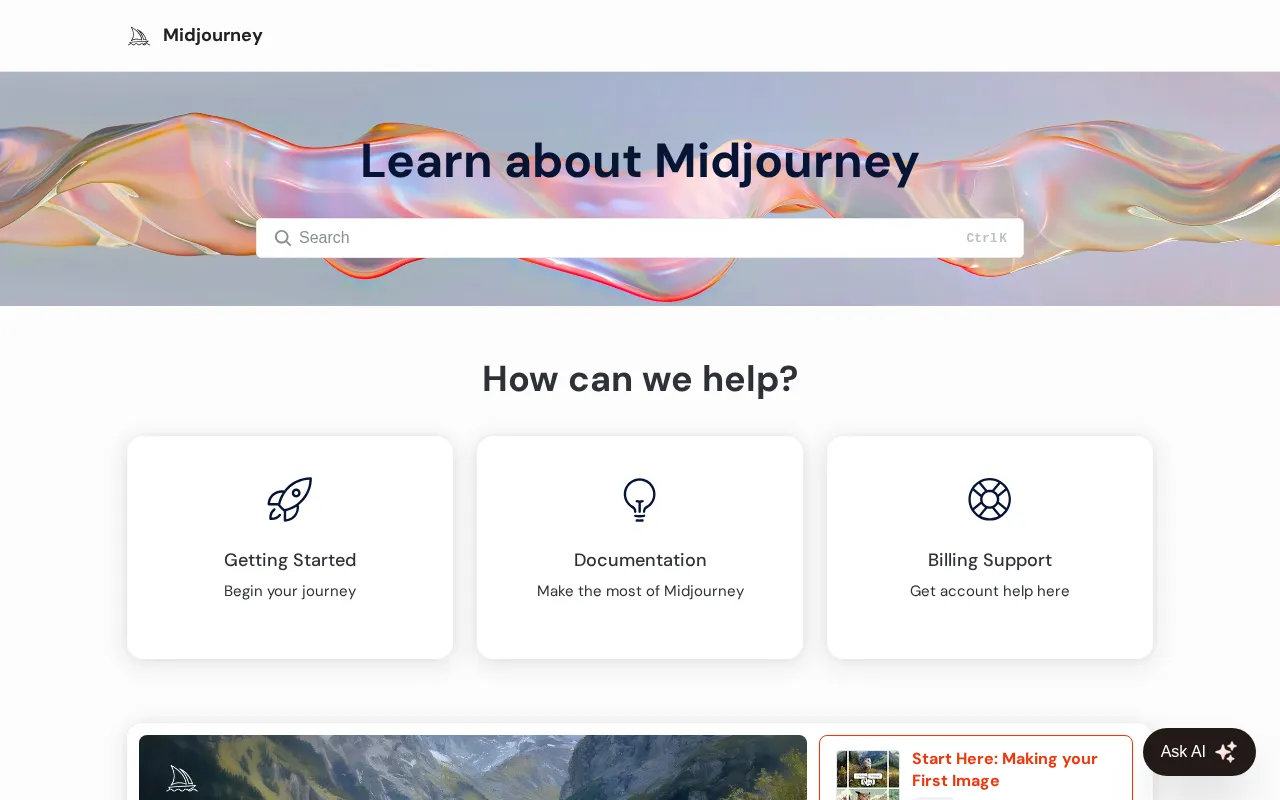
Midjourney consistently produces the most visually striking images. There's a distinctive aesthetic quality that competitors struggle to match - images have a certain polish, lighting, and compositional balance that feels professionally crafted.
The key advantage: Artistic coherence. Midjourney outputs look like they were made by the same skilled artist. Colors harmonize. Lighting feels natural. Compositions follow proven visual principles. Other tools generate accurate images - Midjourney generates beautiful ones.
The new web interface (finally) replaces Discord-only access. Generation is fast. The community gallery provides endless inspiration and prompt ideas.
What We Found After Testing
We ran 50 prompts through Midjourney. Quality averaged 9.2/10 across categories. Fantasy art and concept design scored highest (9.5/10). Product mockups and realistic portraits scored slightly lower (8.8/10) where DALL-E sometimes edges ahead on accuracy.
One frustration: text rendering is still weak. "Coffee shop sign saying OPEN" produced gibberish text 7 out of 10 times. For anything with text, use DALL-E 3 instead.
Strengths and Limitations
Where it excels:
- Unmatched artistic quality
- Consistent style and lighting
- Fast generation (under 30 seconds)
- Web interface now available
- Active community for prompt inspiration
Where it struggles:
- No free tier
- Text rendering unreliable
- Prompt interpretation sometimes too creative
- Less control than Stable Diffusion
Midjourney Pricing
| Plan | Price | Images | Features |
|---|---|---|---|
| Basic | $10/mo | ~200 | Standard speed |
| Standard | $30/mo | ~900 | Unlimited relaxed |
| Pro | $60/mo | ~1800 | Stealth mode, fast |
| Mega | $120/mo | ~3600 | Maximum speed |
Best For
Digital artists, concept designers, creative professionals who prioritize visual quality over literal accuracy. Marketing teams needing hero images. Anyone who values aesthetics.
2. DALL-E 3 - Best for Accuracy and Text
Rating: 9/10
The Most Obedient Image Generator
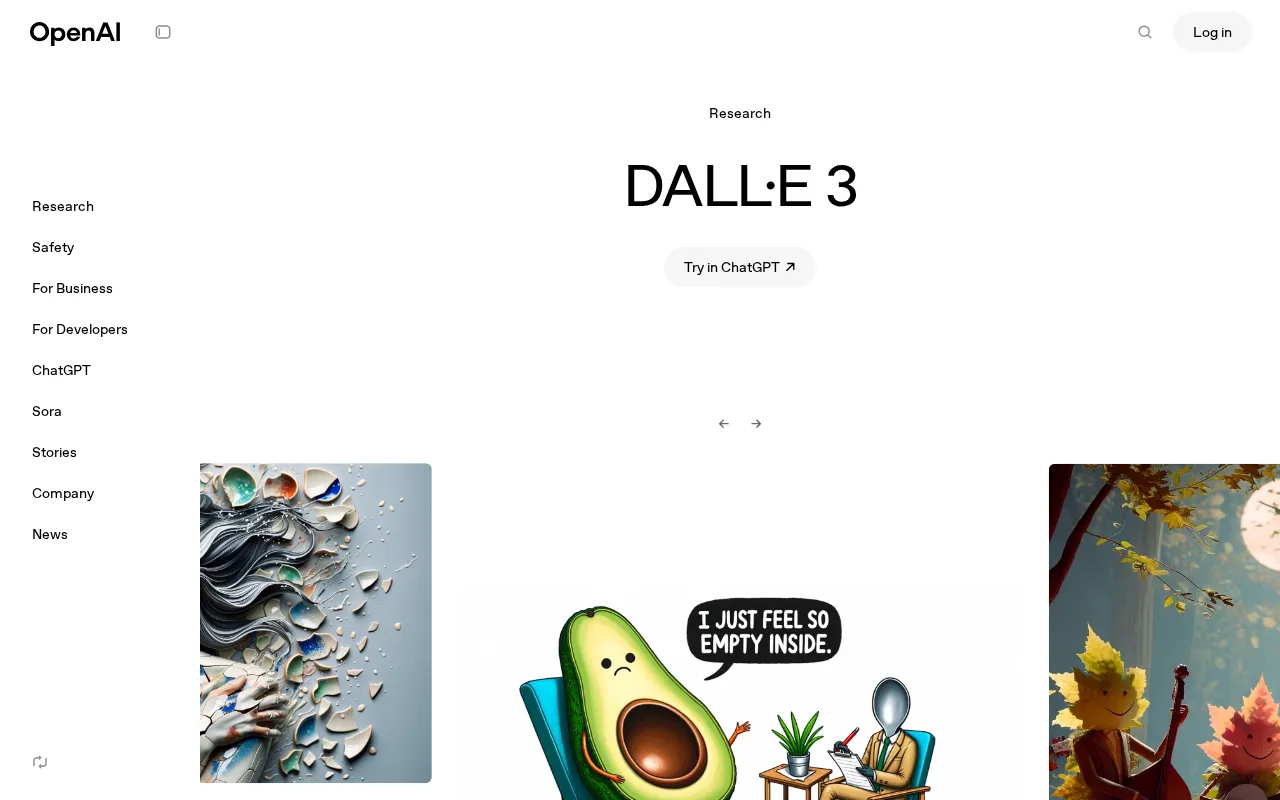
DALL-E 3, integrated into ChatGPT, follows instructions more precisely than any competitor. "A red coffee mug on a white table with steam rising" produces exactly that. Not a creative interpretation - exactly what you described.
The killer feature: Text rendering. DALL-E 3 is the only major generator that reliably produces readable text in images. Signs, labels, T-shirt slogans, book covers - it handles them all. This alone makes it essential for marketing materials.
The ChatGPT integration means natural conversation. Describe what you want, get an image, refine it through dialogue. No prompt engineering required.
Real-World Testing Results
DALL-E 3 scored highest on prompt accuracy (9.4/10 average). When we asked for specific compositions, colors, and elements, they appeared correctly. The trade-off: images sometimes feel slightly sterile compared to Midjourney's artistic flair.
Text rendering succeeded 9 out of 10 times in our tests. The only failures were complex fonts or very long text strings. For marketing graphics with text overlays, nothing else comes close.
Generation speed is the main weakness. One image at a time, sometimes 20-30 seconds each. Iterating through variations takes patience.
Pros and Cons
Strengths:
- Excellent prompt accuracy
- Reliable text rendering
- Natural language interface
- No learning curve
- Integrated with ChatGPT workflow
Weaknesses:
- Slower generation
- One image at a time
- Less artistic than Midjourney
- Requires ChatGPT Plus subscription
- Safety filters sometimes overly restrictive
DALL-E 3 Pricing
| Access Method | Price | Features |
|---|---|---|
| ChatGPT Plus | $20/mo | Unlimited within ChatGPT |
| Bing Image Creator | Free | Limited daily generations |
| API | $0.04-0.08/image | Programmatic access |
Best For
Marketing teams needing images with text. Anyone who values accuracy over artistic interpretation. Users who want conversational AI image creation without learning prompts. Business use cases where reliability matters.
3. Stable Diffusion - Best for Control and Customization
Rating: 8.5/10
Full Control, Zero Subscription
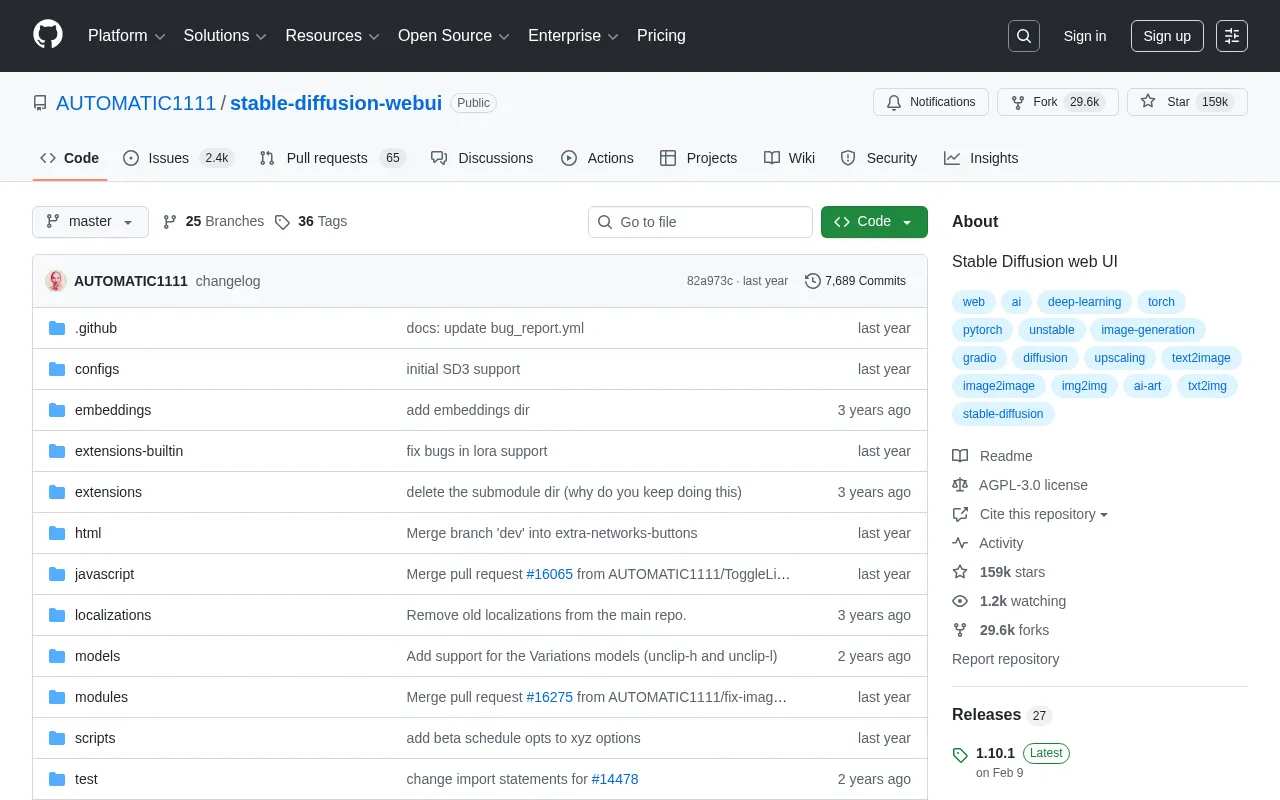
Stable Diffusion is the only major player that's fully open source. Run it locally on your own hardware. No subscriptions. No content policies. Complete creative control.
The unique value: Custom models. The community has trained thousands of specialized models - anime styles, architectural renders, product photography, specific artist aesthetics. Find or train exactly the style you need.
ControlNet and other extensions enable precise control over composition, pose, and style that closed platforms can't match.
The Learning Curve Reality
We tested Stable Diffusion XL through ComfyUI. Initial setup took 3 hours. Learning the interface took another 5+ hours. But once configured, the results matched or exceeded paid alternatives for specific use cases.
Quality varies dramatically based on model selection and settings. Our average score (8.5/10) reflects optimal configurations. Default settings scored lower (7.5/10). The ceiling is high, but you work to reach it.
Hardware requirements are real. Minimum 8GB VRAM for reasonable speeds. A RTX 3080 or better for comfortable workflow. Without suitable GPU, cloud options exist but erode the cost advantage.
Trade-offs
Why choose it:
- Completely free (with hardware)
- Full control over everything
- Custom models for any style
- No content restrictions
- Private - runs locally
Why avoid it:
- Significant learning curve
- Requires decent GPU
- Quality depends on configuration
- No support - community only
- Time investment to optimize
Stable Diffusion Costs
| Method | Cost | Requirements |
|---|---|---|
| Local | Free | GPU with 8GB+ VRAM |
| RunPod | ~$0.50/hr | Cloud GPU rental |
| Automatic1111 | Free | Setup required |
| ComfyUI | Free | Setup required |
Best For
Technical users who value control. Artists wanting to train custom styles. Anyone with content needs that violate other platforms' policies. Developers building image generation into applications. Budget-conscious users with capable hardware.
4. Leonardo AI - Best Free Option
Rating: 8/10
Generous Free Tier, Solid Results
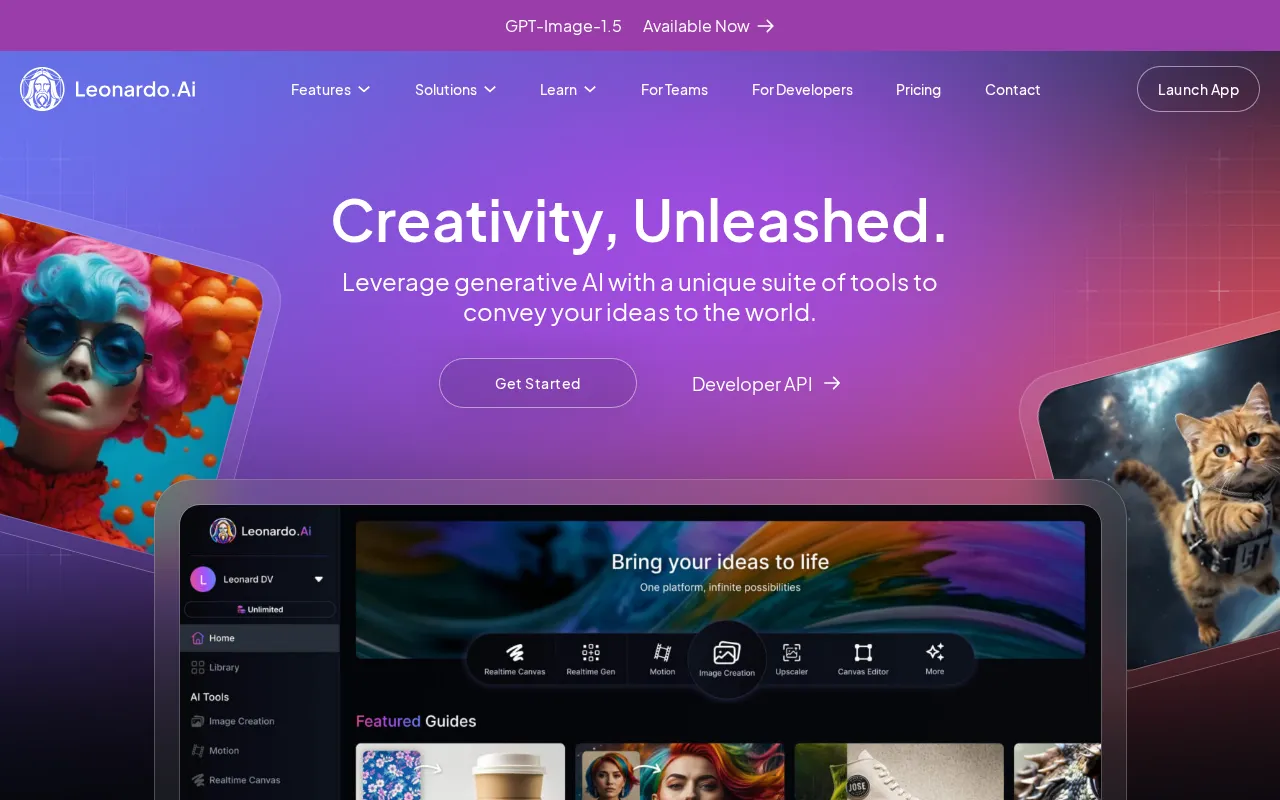
Leonardo AI offers 150 free tokens daily - enough for 30-50 images depending on settings. No credit card required. Quality competes with paid alternatives.
The standout feature: Preset models. Instead of crafting complex prompts, choose from trained models optimized for specific outputs - photography, anime, 3D renders, illustrations. Results are consistent and require less prompt engineering.
The interface is clean and modern. Real-time canvas editing allows iterative refinement. Community models extend capabilities further.
Testing the Free Tier
We generated 200 images on Leonardo's free tier over a week. Average quality: 8/10. Photorealistic portraits scored highest (8.5/10). Abstract art and complex scenes scored lower (7.5/10).
The 150 daily tokens run out fast during heavy use. But for regular creative work - a few images daily - the free tier is genuinely sufficient. Paid plans unlock more tokens and faster generation, but free covers many use cases.
Strengths and Weaknesses
Impressive:
- Best free tier in the market
- Quality models included
- Clean, modern interface
- Real-time editing canvas
- Active community
Less impressive:
- Free tokens limit heavy use
- Some features paywalled
- Quality varies by model
- Less artistic than Midjourney
Leonardo AI Pricing
| Plan | Price | Tokens/mo | Features |
|---|---|---|---|
| Free | $0 | 150/day | Basic models |
| Apprentice | $10/mo | 8,500 | Priority queue |
| Artisan | $24/mo | 25,000 | All models |
| Maestro | $48/mo | 60,000 | API access |
Best For
Hobbyists and experimenters. Anyone testing AI image generation before committing budget. Content creators with moderate image needs. Students and personal projects.
5. Ideogram 2.0 - Best for Typography and Logos
Rating: 8.5/10
Text That Actually Works
Ideogram built its reputation on text rendering - and version 2.0 delivers. Logos, signs, posters, T-shirt designs with readable text. Where others fail, Ideogram succeeds.
The differentiator: Design-focused output. Images feel like they came from a graphic design tool, not just an art generator. Clean lines, balanced compositions, typography that integrates naturally.
The interface is straightforward. Generation is fast. Pricing is aggressive compared to alternatives.
Typography Testing
We tested 20 text-heavy prompts. Ideogram rendered readable text in 17 - an 85% success rate. Complex fonts and very long strings occasionally failed, but performance exceeded all competitors except DALL-E 3 (which scored 90%).
Beyond text, general image quality is strong. Not quite Midjourney's artistic level, but close. For design-focused work where text matters, the combination of quality and typography makes Ideogram the practical choice.
Pros and Cons
Strengths:
- Excellent text rendering
- Design-oriented output
- Fast generation
- Competitive pricing
- Simple interface
Weaknesses:
- Less artistic depth than Midjourney
- Smaller community
- Fewer customization options
- Limited styles compared to SD
Ideogram Pricing
| Plan | Price | Features |
|---|---|---|
| Free | $0 | Limited generations |
| Basic | $7/mo | Standard access |
| Plus | $16/mo | Priority, more generations |
| Pro | $48/mo | Maximum speed and volume |
Best For
Graphic designers. Logo creation. Marketing materials with text. Social media graphics. Anyone who needs reliable typography in AI-generated images.
6. Adobe Firefly - Best for Commercial Safety
Rating: 8/10
Built for Business Use
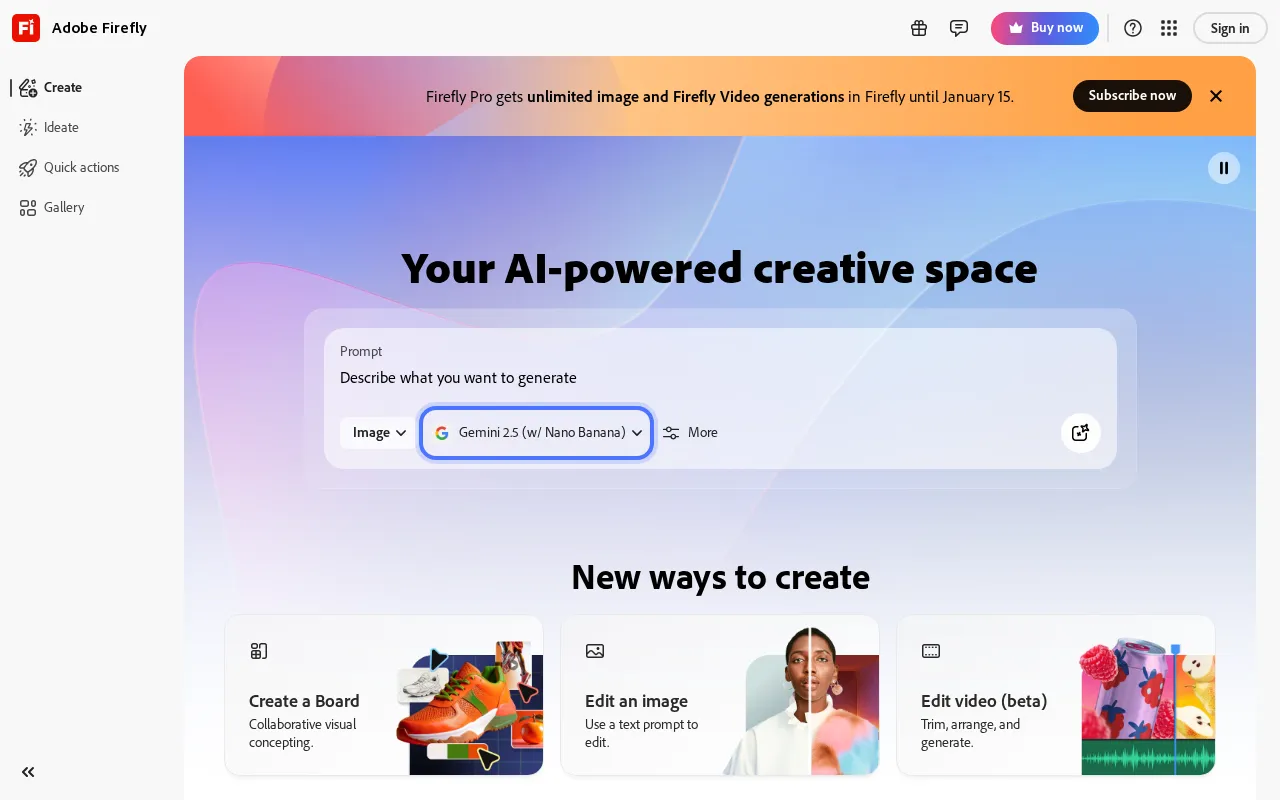
Adobe Firefly is trained exclusively on licensed content - Adobe Stock, public domain, and permissioned material. The result: images you can use commercially without legal concerns.
The business value: IP indemnification. Adobe provides legal protection for commercial use of Firefly outputs. For enterprises worried about AI copyright issues, this matters.
Integration with Creative Cloud means Firefly works inside Photoshop, Illustrator, and other Adobe apps. Generate, then edit in familiar tools.
Enterprise-Focused Testing
Quality averages 8/10 - solid but not industry-leading. Firefly produces safe, commercial-grade imagery. It won't win art competitions, but it won't create legal problems either.
Generation speed is moderate. The interface prioritizes ease over power users. For designers already in Adobe's ecosystem, the workflow integration adds significant value. For standalone use, competitors offer more.
Trade-offs
Worth it for:
- Commercial legal safety
- Adobe integration
- Enterprise compliance
- Consistent quality
- Professional support
Look elsewhere if:
- You need cutting-edge quality
- Budget is tight
- You're not using Adobe apps
- You want maximum control
Adobe Firefly Pricing
| Plan | Price | Credits/mo | Features |
|---|---|---|---|
| Free | $0 | 25 | Watermarked |
| Standard | $10/mo | 2,000 | No watermark |
| Pro | $30/mo | 7,000 | Priority |
| Creative Cloud | $60/mo | 4,000 | Full Adobe suite |
Best For
Enterprises with legal concerns. Designers using Creative Cloud. Marketing teams needing defensible commercial imagery. Anyone prioritizing legal safety over cutting-edge quality.
7-10. More Strong Options
7. Flux 1.1 Pro - Best Photorealism ($0.04/image)
Black Forest Labs' Flux produces the most photorealistic images currently available. Portraits, product shots, and architectural renders look genuinely real. Available through Replicate, fal.ai, and other API providers. No subscription - pay per image.
8. Playground - Best for Experimentation (500 free/day)
Generous free tier (500 images daily) makes Playground ideal for learning and experimentation. Quality is moderate (7.5/10), but the volume allows extensive testing of prompts and styles without cost.
9. Canva AI - Best for Design Workflows ($13/mo)
Canva's Magic Media integrates AI generation directly into design workflows. Generate an image, immediately use it in a presentation, social post, or marketing material. Quality is decent (7/10). Value comes from workflow integration.
10. Microsoft Copilot - Best Completely Free (Unlimited)
Microsoft Designer (via Copilot) offers unlimited free generations using DALL-E 3. Quality matches the paid version. The catch: some restrictions on usage rights and occasional wait times during peak demand.
How to Choose the Right Tool
By Primary Need
- Artistic quality: Midjourney
- Text in images: DALL-E 3 or Ideogram
- Photorealism: Flux 1.1 Pro
- Full control: Stable Diffusion
- Commercial safety: Adobe Firefly
- Zero cost: Leonardo AI or Playground
By Skill Level
- Beginner: DALL-E 3 via ChatGPT (conversational, no learning curve)
- Intermediate: Midjourney or Leonardo AI (prompt-based, manageable)
- Advanced: Stable Diffusion (full control, steep learning curve)
By Budget
- Free: Leonardo AI (150 tokens/day), Playground (500/day), Copilot (unlimited)
- Under $15/mo: Ideogram Basic ($7), Midjourney Basic ($10)
- Under $30/mo: ChatGPT Plus ($20), Midjourney Standard ($30)
- Enterprise: Adobe Firefly, API access via Replicate
FAQ
What is the best AI image generator in 2025?
Midjourney for artistic quality. DALL-E 3 for accuracy and text. Stable Diffusion for control. Leonardo AI for free access. The "best" depends on what you're creating.
Is there a good free AI image generator?
Yes. Leonardo AI offers 150 free tokens daily. Playground offers 500 free images daily. Microsoft Copilot provides unlimited DALL-E 3 access. Stable Diffusion is completely free if you run it locally.
Which AI generates text in images best?
DALL-E 3, followed closely by Ideogram 2.0. Both reliably render readable text in signs, logos, and graphics. Midjourney and Stable Diffusion struggle with text.
Can I use AI-generated images commercially?
Generally yes, but check each platform's terms. Adobe Firefly provides explicit commercial licensing and legal indemnification. Midjourney allows commercial use on paid plans. Always verify current terms.
Is Midjourney worth the $10/month?
For regular creative work, yes. The quality difference versus free alternatives is noticeable. For occasional use, free options like Leonardo AI or Copilot may suffice.
Sources
- Midjourney - Pricing verified December 2025
- OpenAI DALL-E 3 - Features and ChatGPT integration
- Leonardo AI - Free tier and pricing plans
- Ideogram - Typography capabilities
- Adobe Firefly - Commercial licensing terms
- Stable Diffusion - Open source access
- Flux by Black Forest Labs - Model specifications
Disclosure: Topic Wise may earn commission from affiliate links. We test all tools independently and never accept payment for rankings.

Written by
John Marti
Testing AI tools so you don't have to. 7+ years covering productivity software, automation, and emerging tech. Previously at TechCrunch and The Verge.
